How DirectoryEasy Helps You Build and Monetize an Online Directory Without Code
Discover how DirectoryEasy helps founders create, customize and monetize professional online directories using no-code tools, automation, SEO features and flexible listing management.
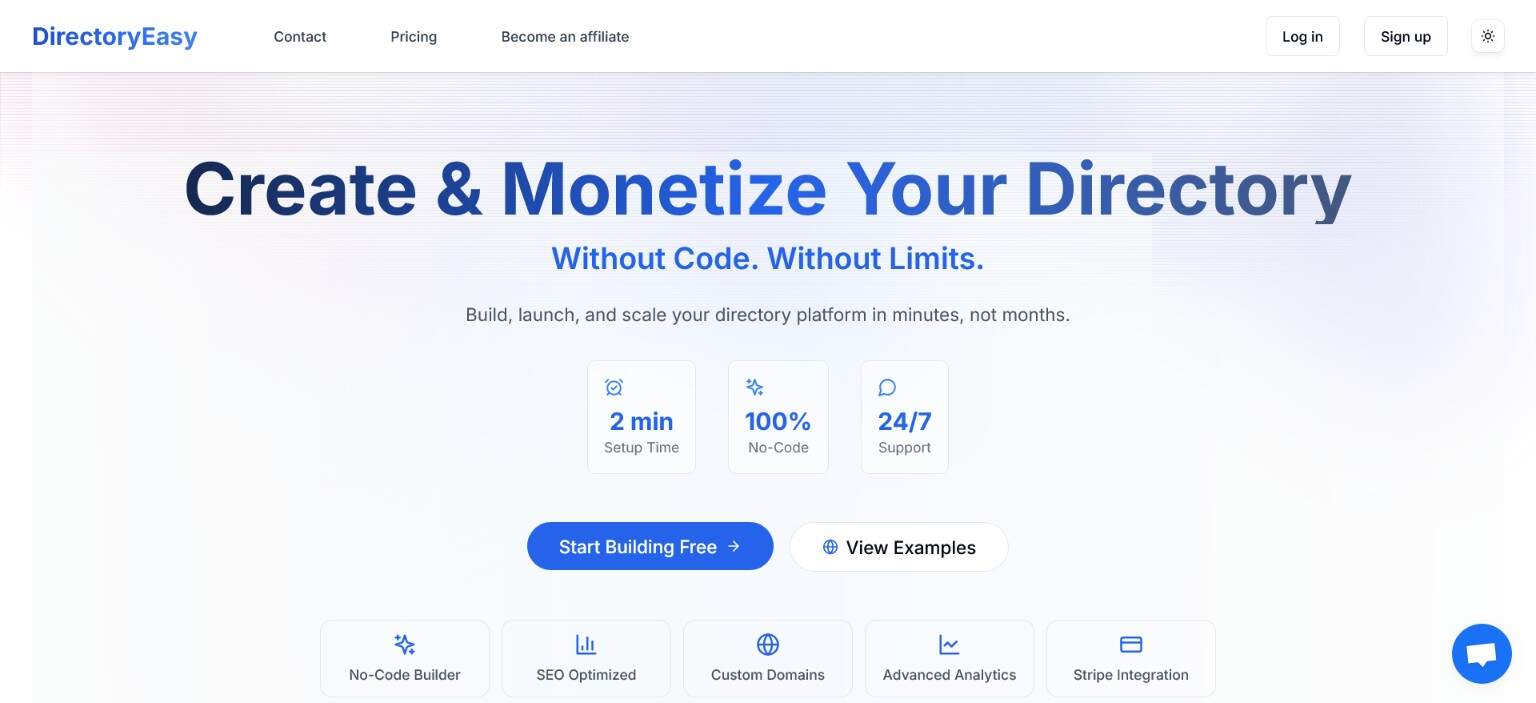
Online directories can become valuable digital businesses by helping people discover relevant products, companies, professionals or local services.
However, developing a directory from scratch requires a database, user accounts, listing management, payment processing and an administrative dashboard. DirectoryEasy simplifies this process with a no-code platform for creating, managing and monetizing online directories.
Whether you want to build a SaaS directory, local business guide or professional marketplace, DirectoryEasy provides the essential tools needed to launch without developing the underlying technology yourself.
What is DirectoryEasy?
DirectoryEasy is a no-code directory website builder for founders, creators, agencies and community operators.
It can be used to build directories for:
- SaaS products and AI tools
- Local businesses and restaurants
- Agencies and professionals
- Real estate and service providers
- Events and communities
- Educational resources
- Jobs and industry opportunities
Directory owners can control how listings are submitted, reviewed, categorized, displayed and monetized from one dashboard.
Create a directory without coding
DirectoryEasy organizes the initial setup into three main steps:
- Select your directory’s language.
- Choose between a standard or business directory.
- Enter its name, tagline, subdomain and categories.
Standard directories are designed for software, products and online services. Business directories include options for physical locations, phone numbers, operating hours, addresses and maps.
After creating the directory, you can customize its design, fields, categories, submission settings and monetization options.
Customize the design
DirectoryEasy provides controls for changing your directory’s appearance without writing code.
You can customize:
- Colors and typography
- Light and dark themes
- Page layouts
- Logos and favicons
- Hero images
- Navigation links
- Buttons and calls to action
- Headers and footers
You can also add custom sections containing text, images and links. More advanced users can include scripts and adjust the terminology used throughout the directory.
Create flexible listing forms
Different directories need different information. A SaaS directory may require pricing and integration details, while a restaurant directory needs opening hours and location information.
DirectoryEasy allows owners to create custom listing fields based on their niche. Fields can be required, optional, numeric, text-based or selection menus.
Listings can be submitted by:
- Directory owners
- Registered members
- Website visitors
Owners can review submissions before publication, approve listings manually or use automation to control when approved listings become visible.
Organize listings with categories and tags
A clear category structure makes it easier for visitors to find relevant listings.
DirectoryEasy supports categories, subcategories and tags. For example, a software directory could include categories for Marketing, Productivity, Development and Customer Support.
Tags can provide additional filters such as:
- Free plan
- Open source
- Mobile app
- API access
- Team collaboration
These filtering options improve navigation and help visitors narrow large collections of listings.
Monetize your online directory
DirectoryEasy includes several options for generating revenue.
Paid listings
Businesses can pay to submit or upgrade their listings.
Featured placement
Premium listings can appear above standard listings or receive additional visual prominence.
Subscription plans
Directory owners can offer recurring plans with different visibility levels and benefits.
Advertising and sponsorships
Relevant businesses can purchase advertisements or sponsored placements across the directory.
A simple starting model is to offer free basic listings and charge for featured placement. This allows the directory to grow while generating revenue from businesses seeking additional exposure.
Automate directory management
Managing every listing manually can become difficult as a directory grows.
DirectoryEasy includes automation for:
- Publishing approved listings
- Applying publication delays
- Managing featured placement
- Processing subscription-based rules
- Updating listing statuses
Owners can keep manual control over important submissions while allowing routine processes to run automatically.
Improve visibility with SEO and content
DirectoryEasy provides settings for configuring SEO titles, meta descriptions, keywords and social-sharing images.
Each category and listing can create another opportunity for people to discover the directory through search engines. However, directory owners should focus on accurate, useful pages instead of publishing large numbers of thin listings.
The platform also supports blog content. Directory owners can publish:
- Industry guides
- Product comparisons
- Curated collections
- Market updates
- How-to articles
- Featured listing roundups
Helpful content can attract organic visitors and direct them toward relevant listings.
Connect AI and external services
DirectoryEasy supports integrations with services such as OpenAI, Anthropic, Google AI, Google Sheets and webhooks.
AI can assist with generating listing descriptions and other content. However, owners should review generated information before publication to ensure that features, prices and product claims are accurate.
External integrations can also help synchronize listings and connect the directory with other business workflows.
Support international audiences
DirectoryEasy supports more than 22 languages, making it suitable for local, regional and international directories.
Founders can create directories for specific countries or communities instead of being limited to an English-speaking audience.
Use a custom domain
New directories can begin with a DirectoryEasy subdomain. Owners can later connect their own domain by updating the required DNS records and completing verification.
Using a custom domain gives the directory a more professional and memorable identity.
Who should use DirectoryEasy?
DirectoryEasy is suitable for:
- Indie founders testing directory ideas
- Marketers building niche resources
- Agencies creating directories for clients
- Community managers organizing members
- Local entrepreneurs listing nearby businesses
- SaaS companies creating partner or integration directories
- Content creators organizing recommended resources
It is particularly valuable for people who understand their target market but do not want to build and maintain a complete directory application.
How to launch your directory
Use this straightforward process:
- Choose a focused and searchable niche.
- Research competitors and audience demand.
- Plan your categories and listing fields.
- Create your directory with DirectoryEasy.
- Customize its design and branding.
- Add an initial collection of useful listings.
- Configure submissions and approval rules.
- Set up free and premium listing options.
- Optimize the main pages for search engines.
- Promote the directory through content, partnerships and communities.
Start with a manageable number of high-quality listings. You can expand the directory once you understand what visitors are searching for.
Frequently asked questions
Do I need programming experience?
No. DirectoryEasy is designed as a no-code platform. Advanced customization options are available but are not required for launching a directory.
Can users submit their own listings?
Yes. Owners can accept submissions from registered members and visitors while controlling how listings are reviewed and published.
Can I charge for listings?
Yes. DirectoryEasy supports paid plans, subscriptions and featured-listing options.
Can I connect my own domain?
Yes. A custom domain can be connected after the directory is created and its DNS records are configured.
Is DirectoryEasy suitable for SaaS directories?
Yes. Its standard-directory configuration includes fields suitable for SaaS products, digital tools and online services.
Final thoughts
DirectoryEasy removes much of the technical work involved in launching an online directory. It combines design customization, listing management, automation, SEO tools and monetization features in one platform.
Founders can focus on selecting the right niche, attracting useful listings and building an audience instead of developing an entire application from scratch.
If you have an idea for a SaaS directory, local business guide or professional marketplace, DirectoryEasy provides a practical no-code way to launch and monetize it.