Best AI Agents for Business in 2026: 10 Tools Compared
Discover the 10 best AI agents for business in 2026, comparing their features, pricing, and use cases. Find the right platform to automate workflows, improve productivity, and scale your business with AI.

Best AI Agents for Business in 2026: 10 Tools Compared
A sales manager wants an agent that qualifies inbound leads, updates the CRM, and books demos before reps start their day. An operations lead wants the same category of tool to read invoices, route approvals, and post entries without copy-paste. They're both shopping for the best AI agents for business, but they shouldn't buy the same platform.
That mismatch is where most agent purchases go wrong. Teams compare model demos instead of workflow fit, then discover the agent can't reach the system where the work lives, or can't be trusted to act without supervision. McKinsey's 2025 global State of AI research found that 62% of respondents said their organizations were at least experimenting with AI agents, but only 23% reported scaling an agentic AI system in at least one business function. Experimenting is easy. Scaling inside real permissions, data, and approval rules is the hard part.
This list sorts ten options by two questions. First, what stack do you already run on, Microsoft 365, Salesforce, Google Cloud, AWS, ServiceNow, or no dominant stack at all? Second, what type of work should the agent finish, not just draft?
You'll also see the pricing traps vendors bury. Credits expire, conversations cost more than expected, and developer platforms bill for runtime and model use separately. Start with your stack, then check who should avoid each tool.
Table of Contents
- 1. Zenfox.ai
- 2. ChatGPT Workspace Agents
- 3. Microsoft Copilot Studio
- 4. Salesforce Agentforce
- 5. Google Gemini Enterprise Agent Platform
- 6. Amazon Bedrock AgentCore
- 7. UiPath Agentic Automation
- 8. ServiceNow AI Agents
- 9. Zapier Agents
- 10. Make AI Agents
- 11. Relevance AI
- How the ten business AI agent platforms compare on starting price, free options, and best fit
- Choosing the Right AI Agent Without Overbuying
1. Zenfox.ai
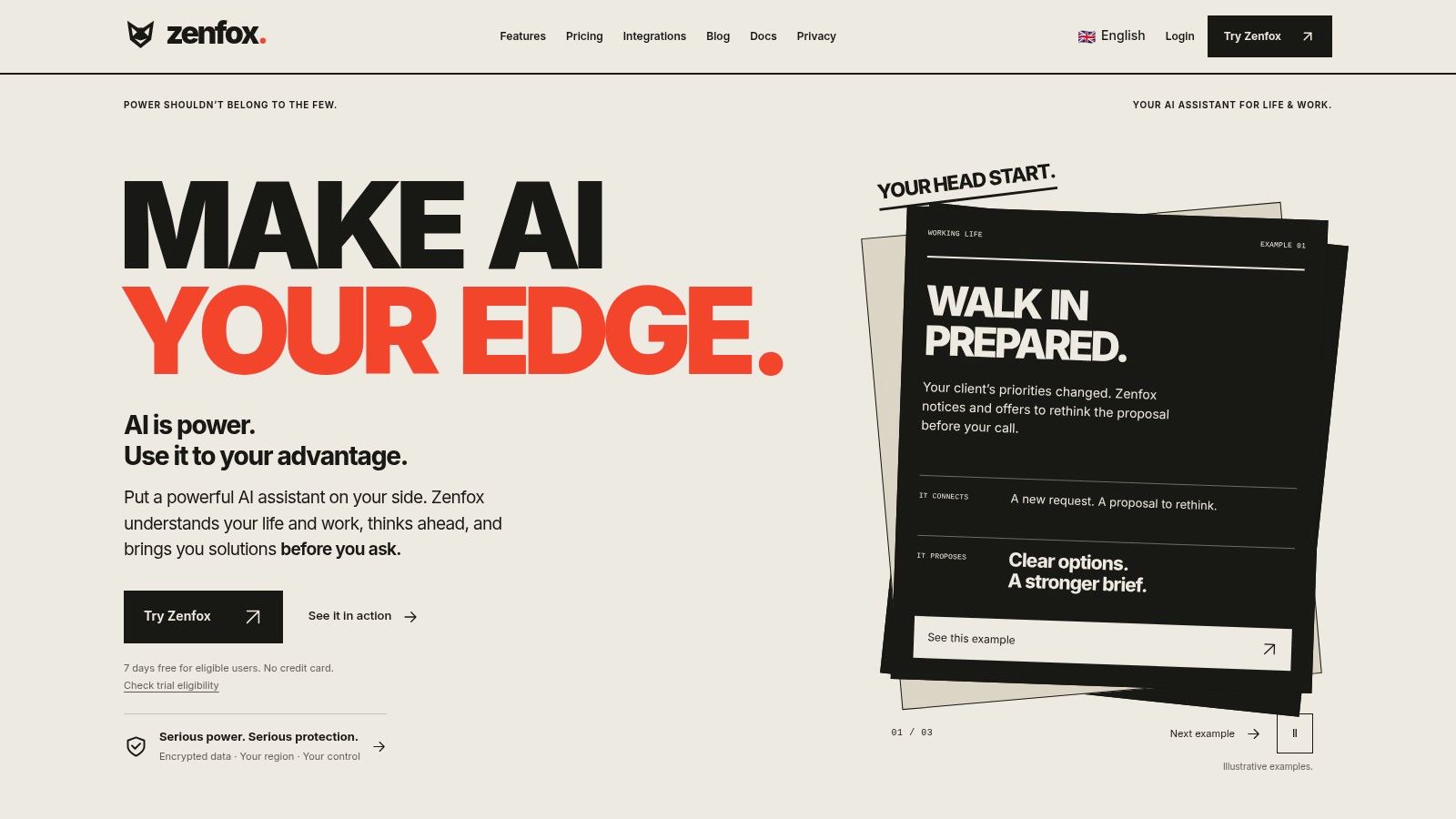
If your business doesn't live inside one enterprise platform, Zenfox's autonomous AI agent fits a different pattern. It connects tools like Gmail, Slack, HubSpot, and Drive, builds context from your projects and client history, and then acts on that context. You describe a goal in plain English, and Zenfox breaks it into steps, runs a zero-code workflow, and keeps a complete activity log you can inspect afterward.
That design suits follow-through work that usually dies between apps. Say a demo ends, notes sit in Drive, and the CRM never gets updated. Zenfox can send the follow-up email, update the record, and roll the activity into a weekly report. It also indexes documents, emails, and databases for search, so the agent works from your files instead of guessing from a short prompt.
Where Zenfox Earns Its Place
- Cross-stack execution: Useful when your work spans email, chat, CRM, and files, and no single vendor owns that chain.
- Research and monitoring: Deep research, topic monitoring, and competitive briefings run as recurring outputs, not one-off chats.
- Flexible access: Teams can reach it through web, Telegram, Discord, or SMS, which helps field and founder-led teams.
- Security controls: SOC 2 certification, GDPR alignment, and AES-256 encryption are built in, with enterprise options such as data enclaves and on-prem storage.
Pricing spans Free, Pro, Max, and Enterprise plans, so you can test before standardizing. I'd pick Zenfox for lean teams that need an agent to act across a messy SaaS stack quickly. Skip it if your priority is deep customization inside AWS or Google Cloud, where a developer platform below gives you more control over runtime and architecture.
2. ChatGPT Workspace Agents
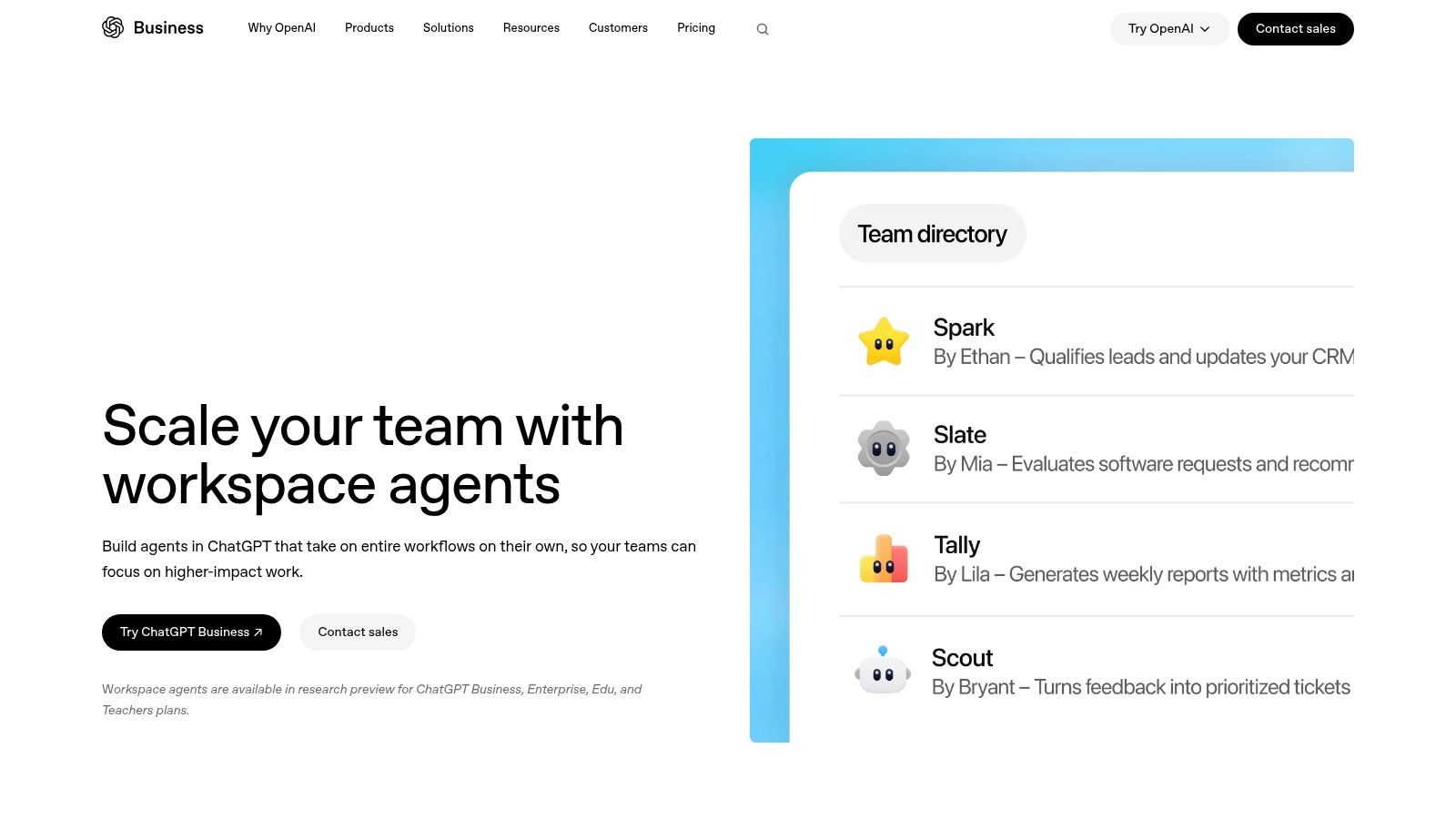
Teams already paying for an eligible ChatGPT workspace get the shortest path here. ChatGPT Workspace Agents lets you create reusable agents from plain-language instructions or templates, connect approved apps, files, and custom MCPs, and share them with teammates. Agents can run in ChatGPT or Slack, on a schedule, or through an API.
The strength is standardization. A manager can build one weekly pipeline summary agent with set permissions and approval checkpoints, instead of watching five reps prompt five different ways. That matters because Microsoft's 2025 Work Trend Index found 67% of leaders reported familiarity with AI agents, compared with only 40% of employees. Shared, preconfigured agents close that gap better than expecting everyone to become a prompt expert.
Watch the Preview Status
This is a research preview, so availability and capabilities can change under you. You also need an eligible paid plan across Business, Enterprise, Edu, or Teachers tiers, and shared credentials need careful permission management. I recommend it for repeatable office workflows where chat is already the working surface. Avoid it as your sole platform for a customer-facing process you can't afford to rebuild if preview terms shift.
3. Microsoft Copilot Studio
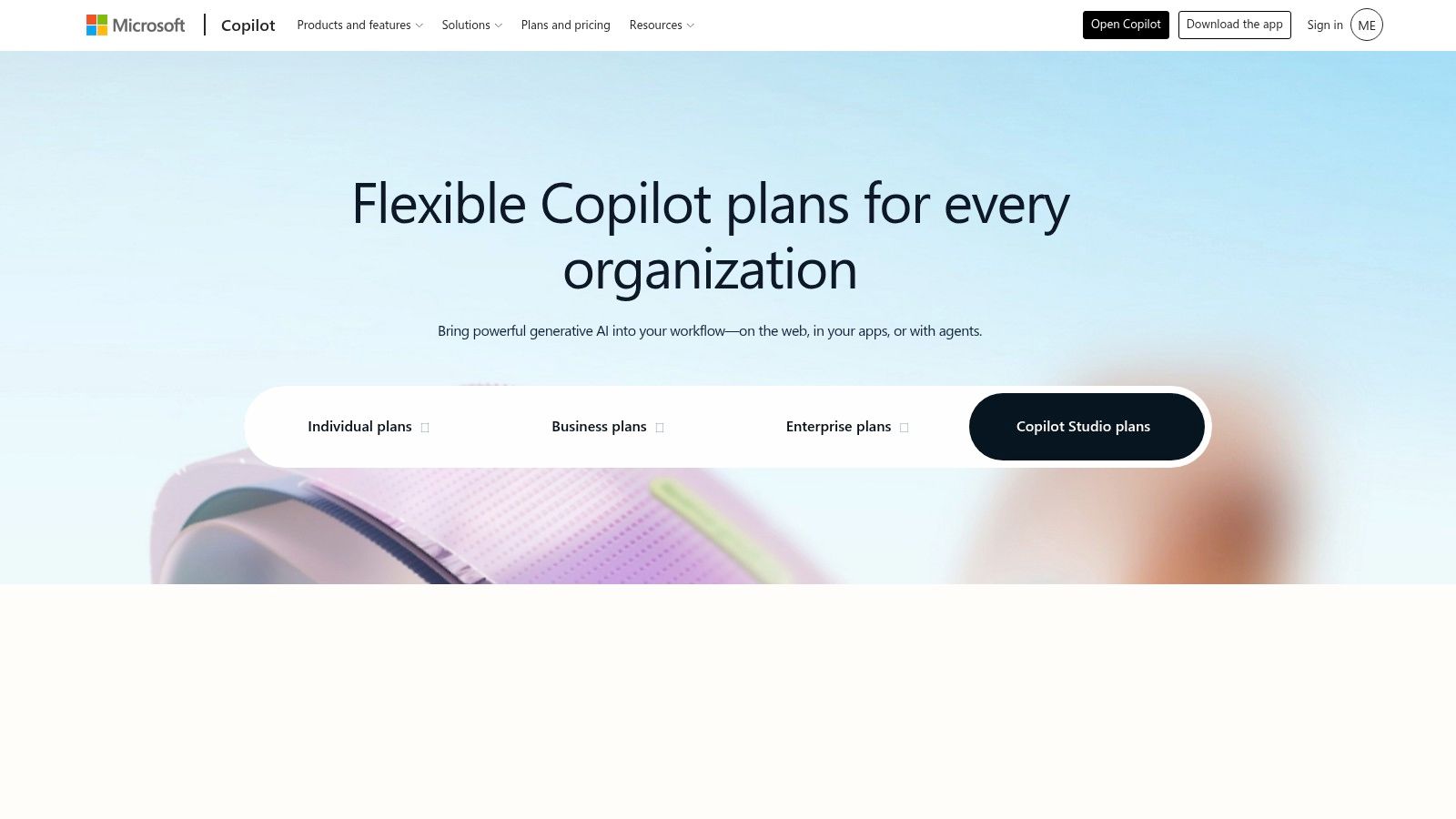
If Microsoft 365, Dynamics, or Power Automate already runs your business, start here and justify leaving. Microsoft Copilot Studio is a low-code builder for internal and external agents. You can build with natural language or a graphical interface, connect Power Platform data, add agent flows, and publish to channels such as Teams and websites.
The practical advantage is boring, and that's good. Identity, data sources, and deployment channels already exist in your tenant, so you're not negotiating a second security review for a separate agent vendor. Both employee-facing help agents and customer-facing website agents fit the same tooling.
Budget warning: Model your expected message volume before you buy credit packs, because unused capacity does not roll over.
Microsoft lists tenant-wide packs of 25,000 Copilot Credits for $200 per month, with pay-as-you-go also available. Usage-based pricing is hard to forecast, and the right licensing path depends on your existing subscriptions and whether agents serve staff or customers. I'd choose Copilot Studio for Microsoft-centered organizations that want governed agents inside familiar controls. Avoid it if Microsoft isn't your core stack, because you'll pay the integration tax without collecting the platform benefit.
4. Salesforce Agentforce
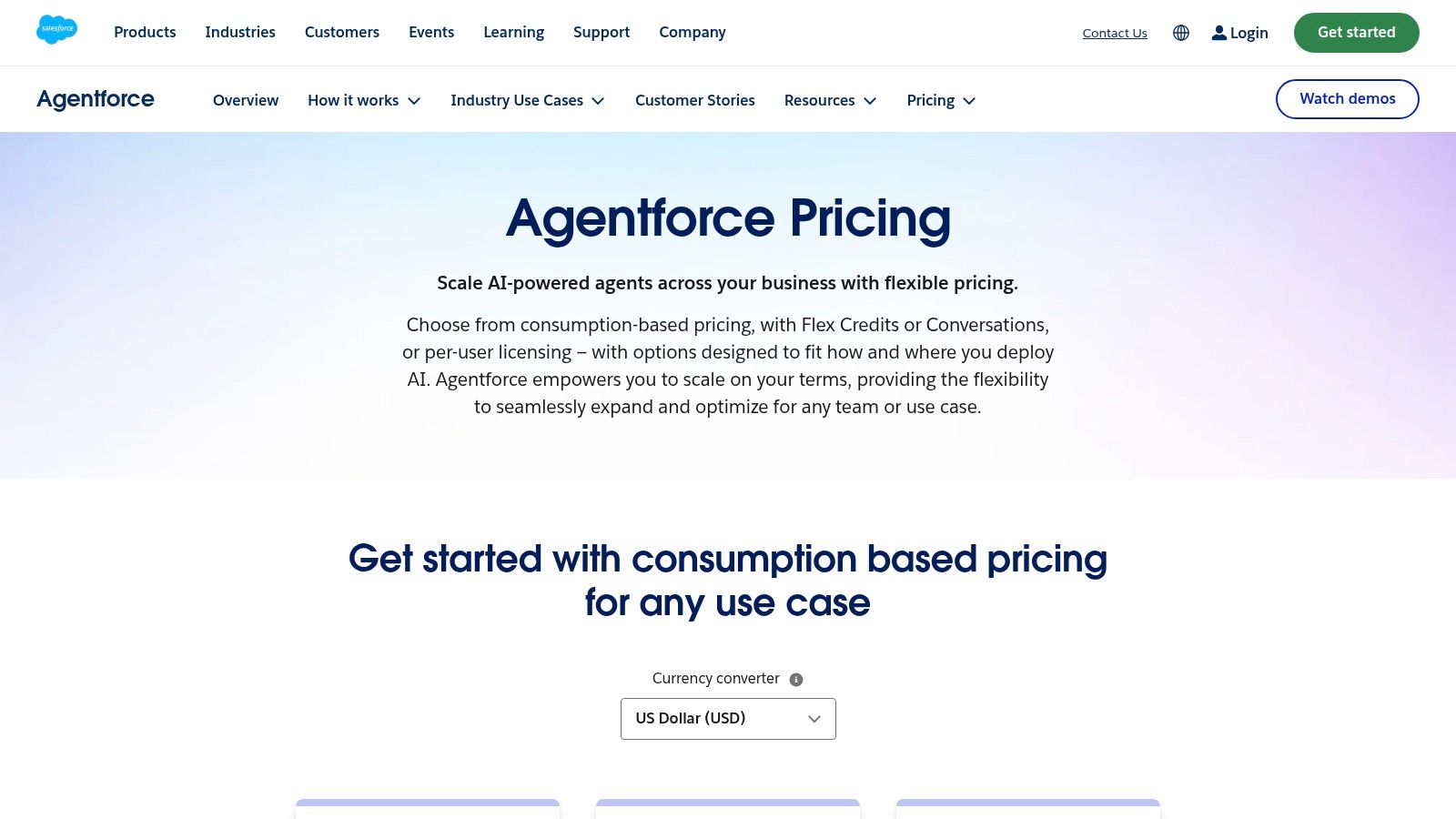
Agentforce makes sense when Salesforce is your system of record for customer work. Agents built in Salesforce Agentforce can answer product questions, update CRM records, and trigger actions through Salesforce prompts and flows. That last point separates it from a chatbot. The response and the record change happen in the same system your service and sales teams already audit.
PwC's April 2025 survey of 308 US executives found the strongest near-term deployment areas were customer service at 57% and sales and marketing at 54%. Those are exactly the functions where CRM-grounded agents have the data to act instead of improvising.
Pricing Needs Active Monitoring
Listed options include free Foundations for experimentation, Flex Credits at $500 per 100,000 credits, and a conversation-based option at $2 per conversation, varying by edition and use case. Consumption costs follow agent activity, so a successful support agent gets more expensive as it succeeds. Track usage through Salesforce's credit tools from week one, not at renewal.
I recommend Agentforce for Salesforce shops automating service and pipeline work. If you don't run Salesforce, don't buy it to get an agent. The underlying licensing commitment dwarfs the agent itself.
5. Google Gemini Enterprise Agent Platform
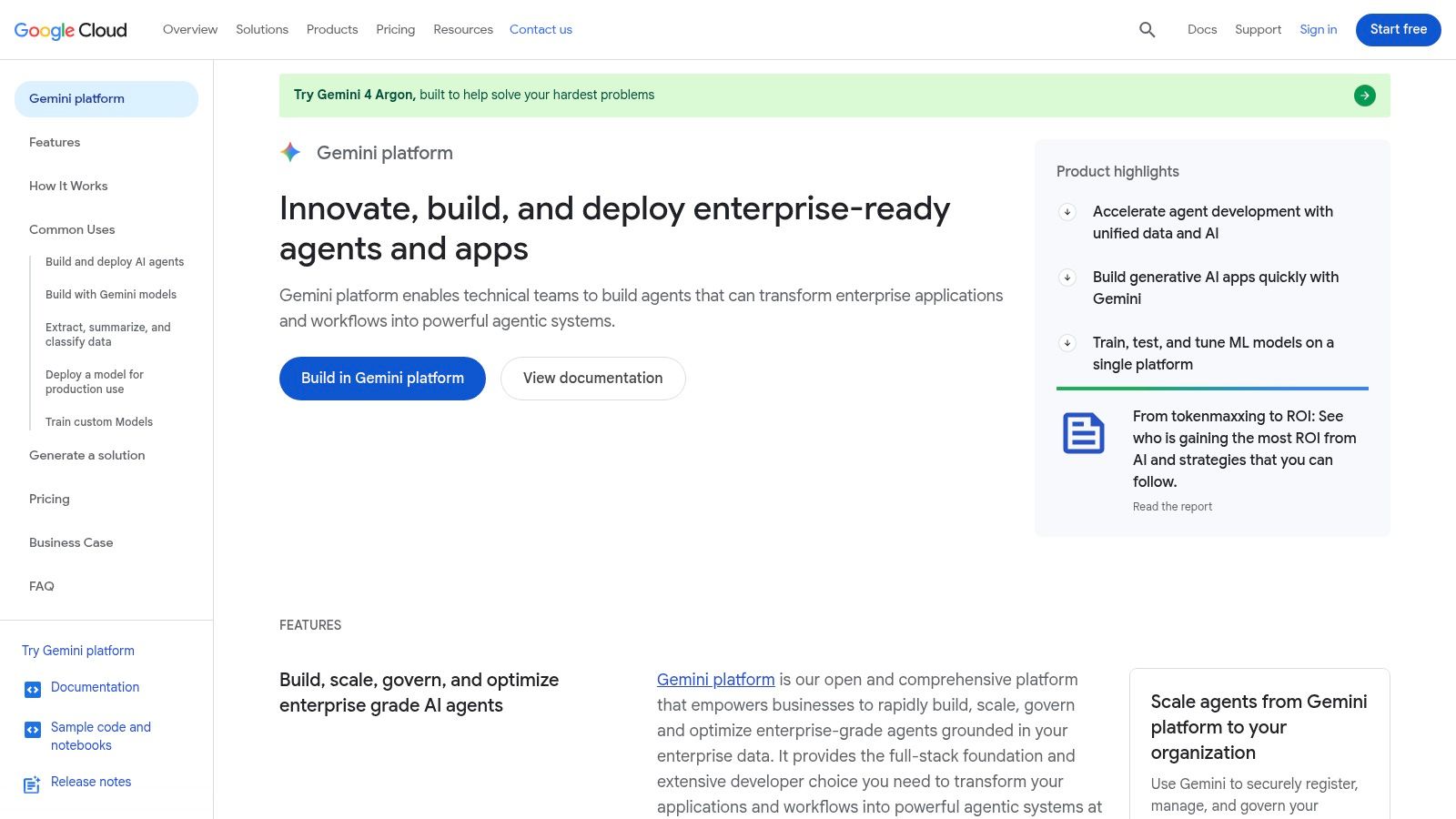
This is a developer platform, not a business assistant you subscribe to and switch on. Google Gemini Enterprise Agent Platform offers a low-code Agent Studio alongside developer-oriented APIs, a managed runtime, and security, governance, and observability tooling. Teams use it to build custom agents connected to their own systems and data on Google Cloud.
That control is the point. You decide the architecture, the integrations, and how agents are monitored in production, instead of fitting your process into a vendor's template. For a product team embedding agents into its own software, that flexibility outweighs a friendlier interface.
- Two build paths: Visual low-code for faster assembly, code-first APIs when engineers need precision.
- Operational controls: Runtime, governance, and monitoring ship with the platform rather than as afterthoughts.
- Usage-based billing: Runtime, memory, storage, and model use all factor into cost.
That billing model is the trap for non-technical buyers. Costs depend on model and infrastructure usage, and the developer platform is a separate purchase from the Gemini Enterprise business app, which confuses first-time buyers. New Google Cloud customers may qualify for trial credits to test. Choose this if you have Google Cloud skills in-house and a custom agent to operate. Avoid it if you need a working support agent next week with no engineering time.
6. Amazon Bedrock AgentCore
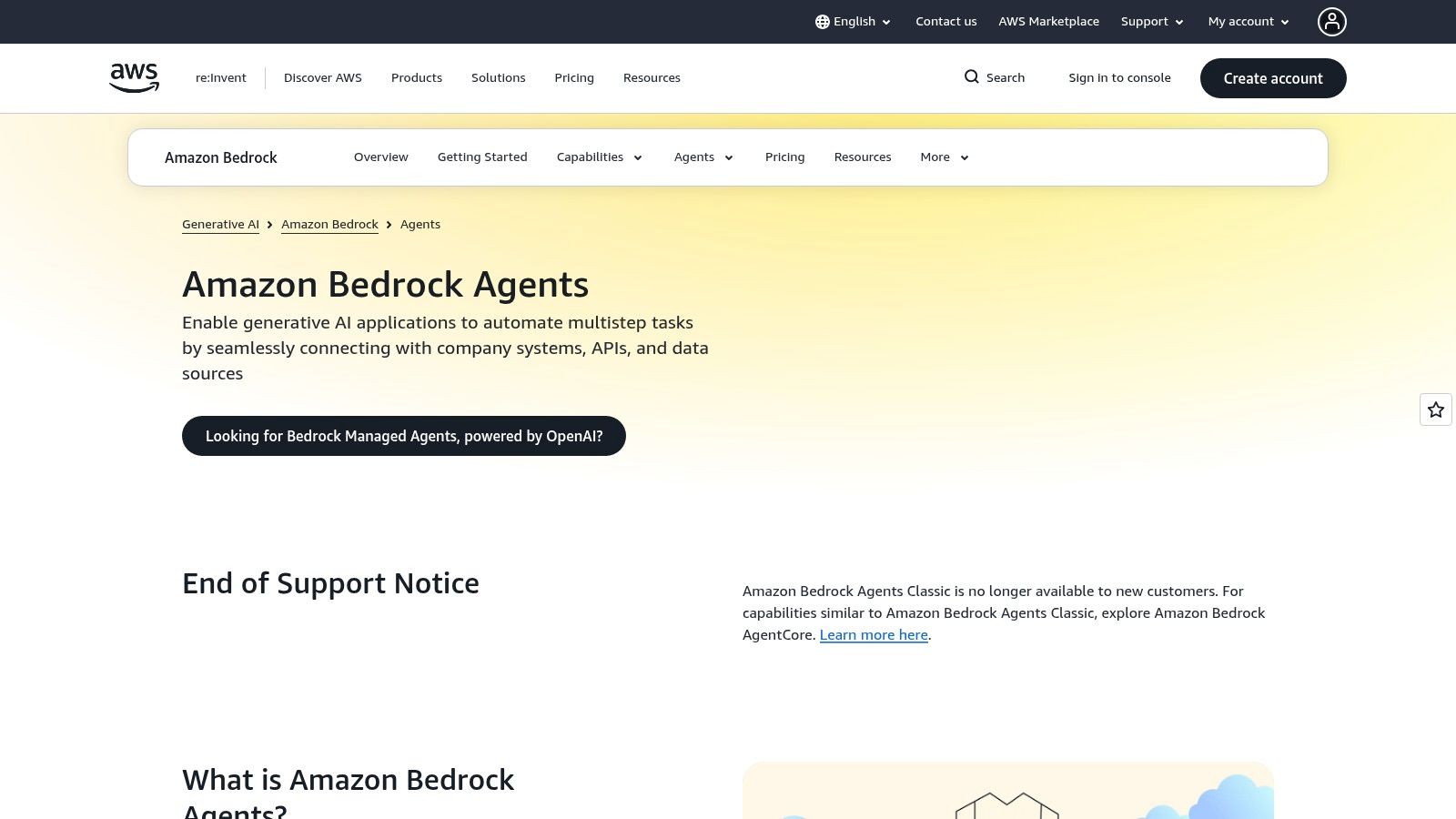
AWS teams face the same build-versus-buy question, and AgentCore is firmly on the build side. Amazon Bedrock AgentCore provides infrastructure to deploy and operate agents securely at scale inside AWS, connecting them to your business systems and tools. Your team brings its own agent architecture and runs it within the cloud environment it already governs.
For organizations with existing AWS security reviews, VPCs, and billing controls, staying inside that boundary removes a whole procurement battle. You evaluate it alongside your other AWS services and pay usage-based infrastructure pricing, so cost tracks the services your agents consume.
Do not hand AgentCore to a business team expecting a no-code builder. It rewards engineers and stalls everyone else.
Two cautions matter before you commit. First, implementation and AWS administration sit with your team, including identity, monitoring, and failure handling. Second, the older Amazon Bedrock Agents Classic is no longer open to new customers, though existing users can continue. That transition causes real confusion in documentation and tutorials, so verify you're building on AgentCore patterns.
I recommend it for technical teams already operating on AWS who want architectural control. If nobody on staff can own AWS infrastructure, a platform like Zenfox or Relevance AI gets you to a working agent far sooner.
7. UiPath Agentic Automation
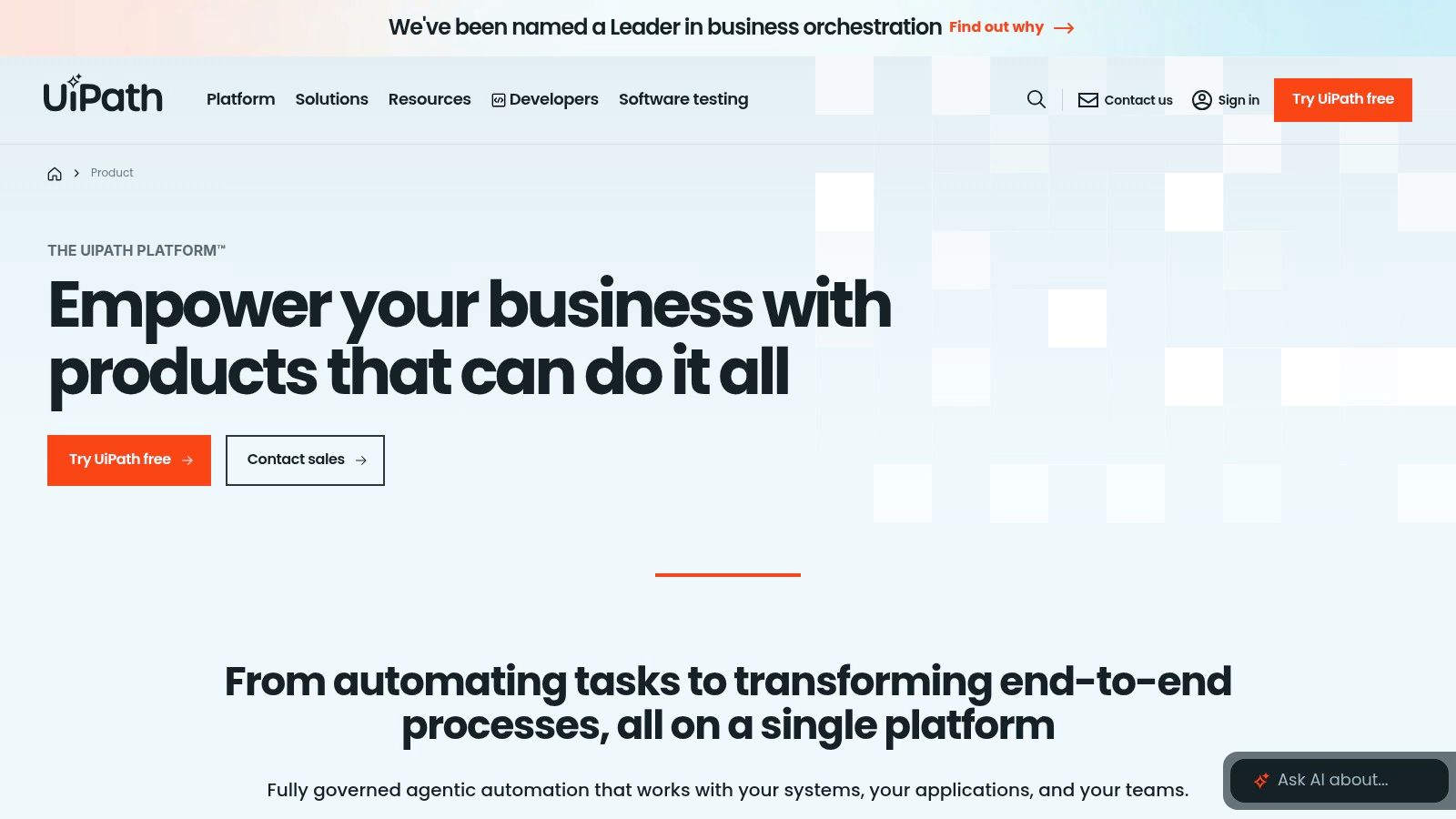
Invoice processing shows where UiPath Agentic Automation fits: an agent extracts data from an irregular document, a robot enters it into a legacy system, and a person approves exceptions. UiPath orchestrates AI agents, robotic process automation, APIs, and human tasks in one workflow.
This approach suits document-heavy finance, claims, and procurement operations. Keep repeatable steps deterministic, and use the agent for inputs that vary. Human approvals are built into the workflow, which helps teams retain control over actions that need review.
G2's 2025 AI agent report found that human-in-the-loop programs were twice as likely as fully autonomous strategies to achieve cost savings of 75% or more, based on a survey of more than 1,000 B2B software buyers. For irreversible actions, approval checkpoints help prevent an agent from acting without oversight.
Cost and Scope Reality
UiPath's entry-level plan is positioned as a low-cost way to start. Agent building and broader enterprise capabilities sit in higher tiers that require contacting sales. Implementation and process design also take planning, so smaller businesses may pay for more platform than their workflows require. Solo operators considering a lighter setup can compare options such as Solo Agent Ops.
Choose UiPath for multi-step operational work involving documents, legacy systems, and required reviews. Avoid it for simple chat or content tasks, where setup effort and platform scope can outweigh the benefit.
8. ServiceNow AI Agents
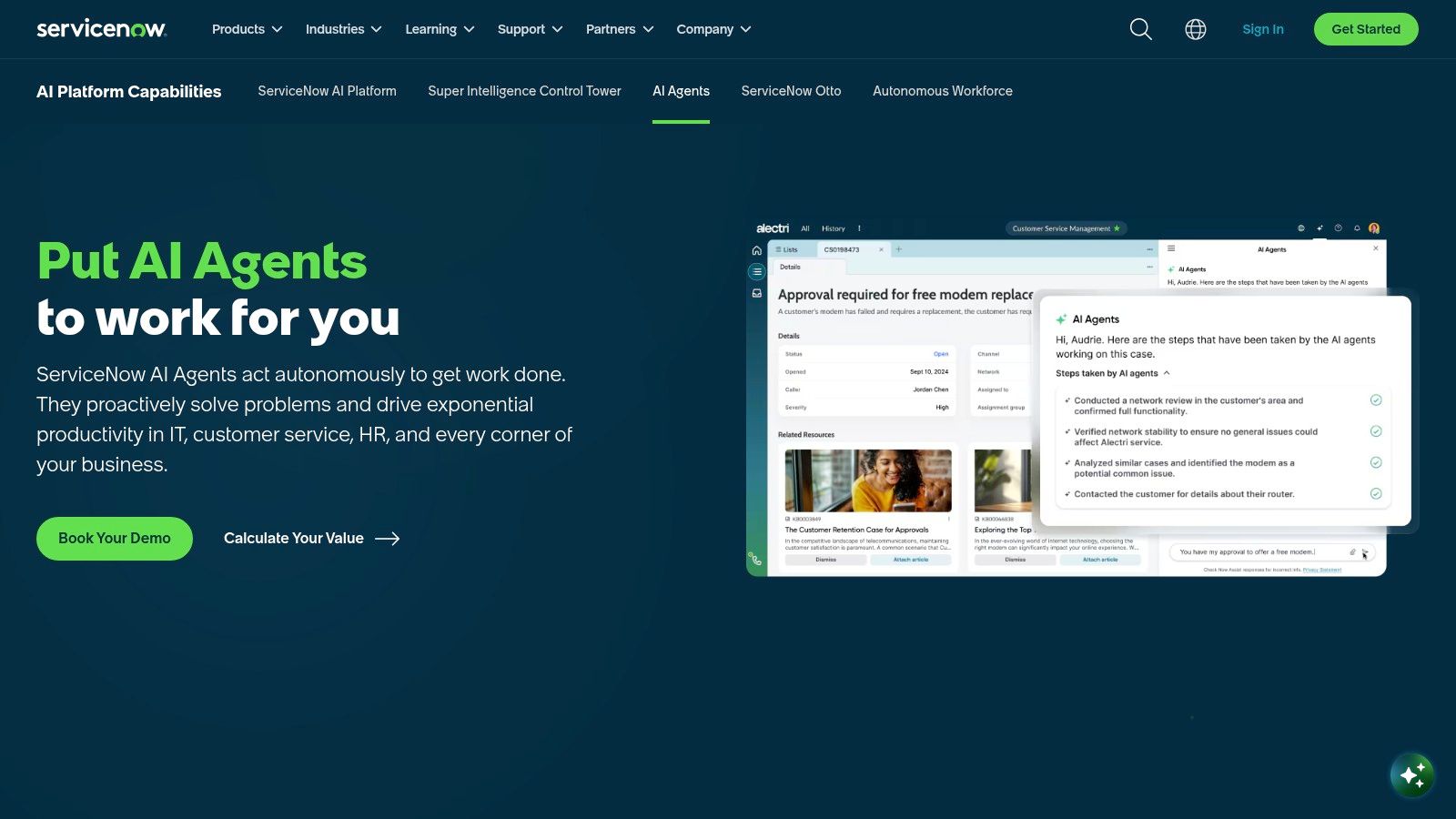
ServiceNow shops run IT, HR, and customer service workflows through one platform, and its agents inherit that reach. ServiceNow AI Agents includes out-of-the-box agents plus AI Agent Studio for building custom ones. It can also connect and coordinate third-party agents, so ServiceNow becomes the control plane rather than another silo.
That matters once agent counts grow. Glide's 2025 operations report found 78% of current users operated between two and ten agents, and 26% of enterprise organizations reported 11 or more. At that scale, governing who owns each agent and what it touched matters more than adding another one.
- Prebuilt coverage: IT, HR, and service workflows ship with ready-made agents.
- Custom path: AI Agent Studio builds agents for processes the defaults miss.
- Fleet management: Monitoring and governance cover native and external agents together.
Pricing is quote-based and tied to ServiceNow products and tiers, and some agents require specific plugins. That makes true cost impossible to estimate from a pricing page. I recommend it for organizations with mature ServiceNow workflows and the budget to match. Small businesses with simple ticket queues will find it costly and excessive, so look at Zapier Agents or Relevance AI instead.
9. Zapier Agents
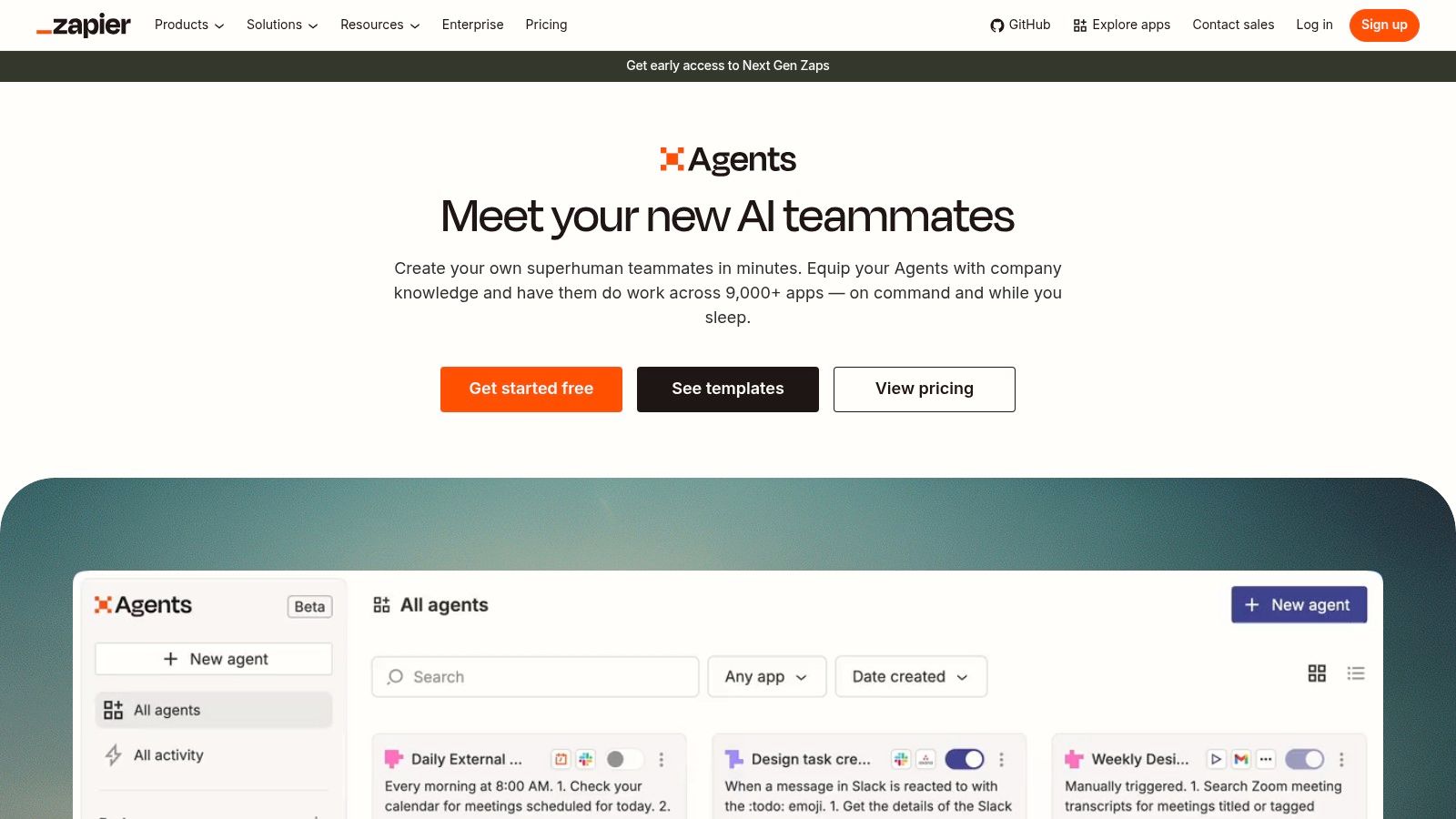
For teams already running dozens of Zaps, Zapier Agents can add AI-driven work across the apps those automations already reach. That broad integration ecosystem makes it a practical option for non-developers who want to connect steps without building each integration themselves.
The listed free tier includes 400 activities per month, and Pro is listed at $33.33 per month when billed annually, according to the Zapier Agents plans. Those limits can support a small lead-enrichment or inbox-triage workflow, while activity-heavy automations may require an upgrade. Listed plans also include web browsing and live data sources for research-oriented tasks.
Plan names and terms can change, so check current pricing before building a workflow your team depends on. The AgentLaunch listing on PublishYourSaaS offers a separate example of how newer agent tools present their products.
I recommend Zapier Agents for teams standardized on Zapier that want to add AI steps to established automations. Avoid it if your security policy restricts which apps agents can access until you confirm your plan provides the controls you need.
10. Make AI Agents
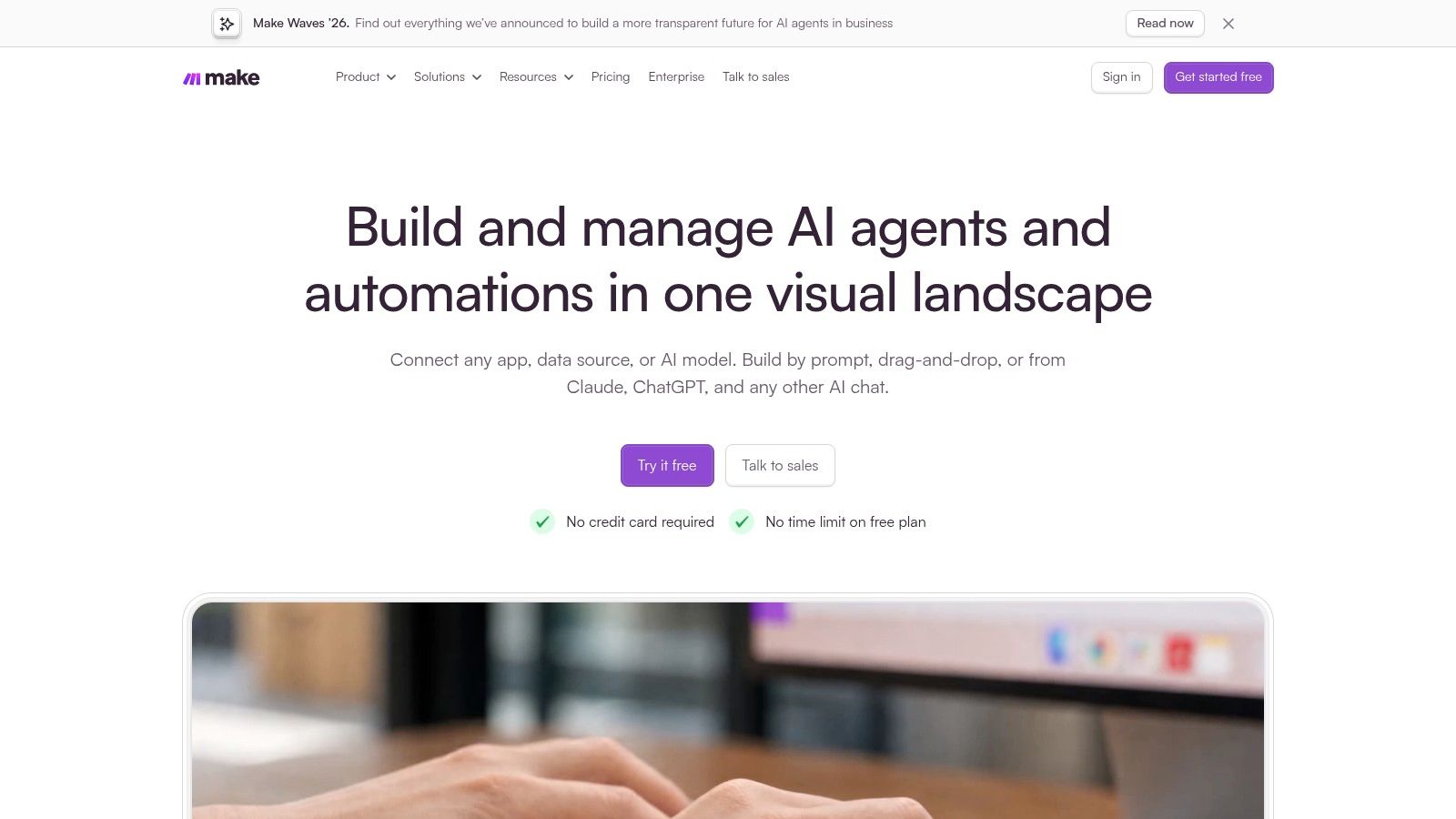
A support email arrives, needs a category, and then triggers a record update and a team notification. In Make, you can map that process as a visual flow, using routers and filters to direct data between apps and adding AI for the classification step. Each stage is visible, so it is easier to locate a failure than in an opaque, chat-based workflow.
Many business processes are mostly deterministic: they move records, check conditions, and post updates, with one step that needs judgment. Make lets teams apply AI to that step while keeping the rest of the workflow as ordinary automation. Its MCP server can also connect AI tools to Make scenarios.
- Free plan: Up to 1,000 credits per month for testing scenarios.
- Core: Listed at $12 per month. Pro is $21, and Teams is $38, each for 10,000 credits per month.
- AI Agents: Available on paid plans, not the free tier.
Credits count workflow actions, so loops and chatty scenarios can use them faster than the plan price suggests. Complex flows also take time to build and maintain. Teams that can document and troubleshoot visual scenarios get more control; teams without someone to own them may be better served by a goal-based agent.
11. Relevance AI
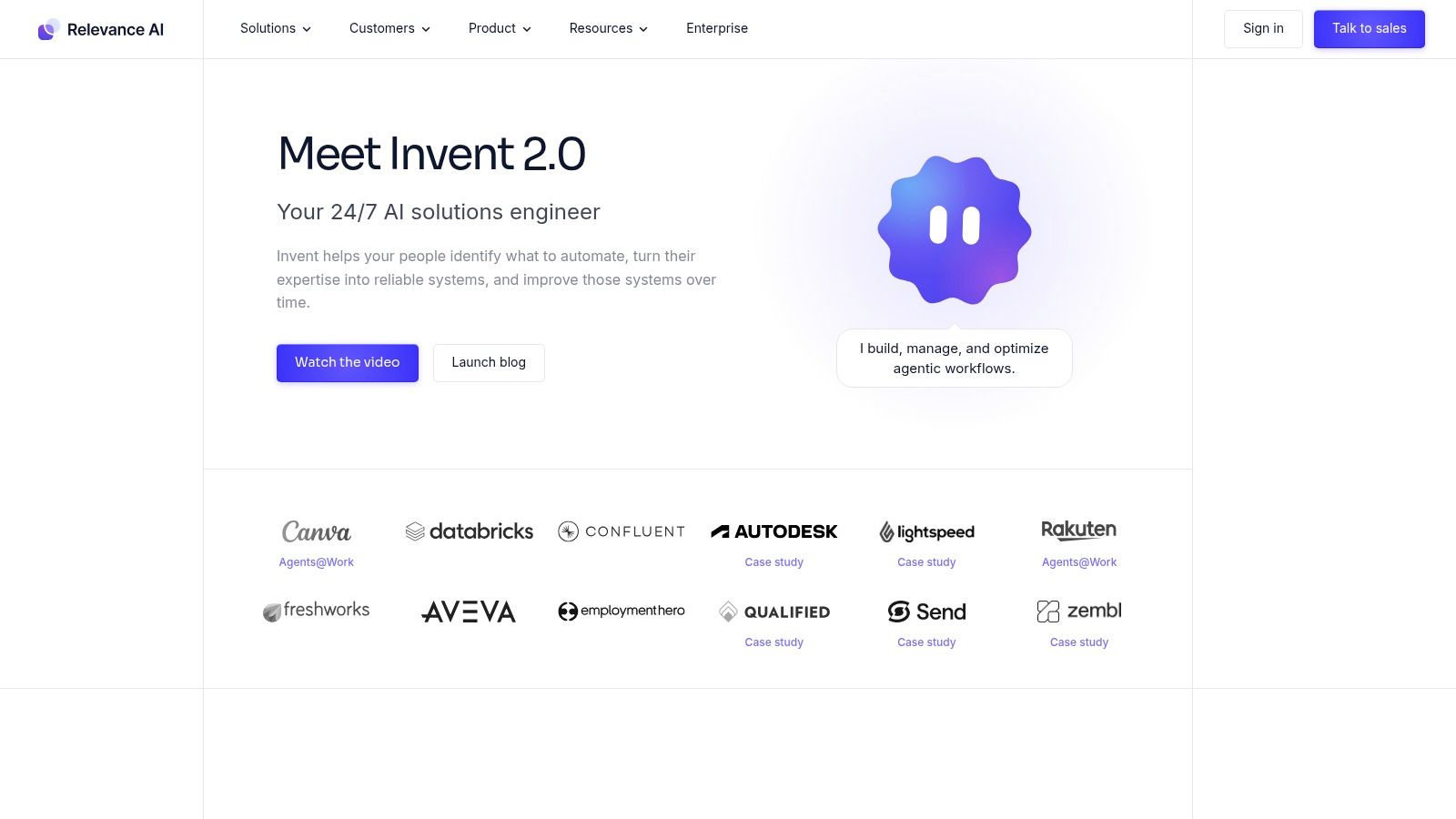
Relevance AI organizes agents into teams, which it calls an AI Workforce. With Relevance AI, teams can build agents with tools through a no-code-oriented workflow, schedule tasks, and set escalations on paid plans. Its pricing page lists more than 2,000 integrations. Eligible plans also let teams bring their own language model, useful when they already have a model provider and pricing arrangement.
The team setup suits work with clear handoffs. For example, one agent can gather account data, another can draft outreach, and a person can approve it before sending. Separating tasks gives each agent a narrower role and makes it easier to identify where a workflow fails.
Sizing rule: Estimate actions per completed task during your busiest week before choosing a tier.
A free plan is available without a credit card. Relevance AI's pricing page lists Pro at $29 per month and Team at $349 per month on monthly billing, with custom enterprise pricing. The jump to Team is steep, so estimate actions and credits against the workflows you plan to run. For a narrower agent-building option, see JEV Agent on PublishYourSaaS.
Relevance AI fits teams building several cooperating agents without writing code. Avoid it for a single, simple workflow, where Zapier or Make may be easier to maintain.
How the ten business AI agent platforms compare on starting price, free options, and best fit
| Item | Starting Price | Free Option | Best For |
|---|---|---|---|
| Zenfox.ai | Free plan; paid pricing not specified | Yes | Autonomous workflows, research, and cross-app task execution |
| ChatGPT Workspace Agents | Eligible paid workspace; pricing not specified | No standalone free option stated | Teams automating repeatable workflows in ChatGPT or Slack |
| Microsoft Copilot Studio | $200/month for a 25,000-credit capacity pack; pay-as-you-go available | No free plan stated | Organizations using Microsoft 365, Dynamics, or Power Platform |
| Salesforce Agentforce | Free Foundations; paid options from $2 per conversation | Yes | Salesforce-centered customer and employee workflows |
| Google Gemini Enterprise Agent Platform | Usage-based pricing | Trial credits may be available | Technical teams building and operating custom agents on Google Cloud |
| Amazon Bedrock AgentCore | Usage-based AWS pricing | No free option stated | Technical teams building agents within AWS |
| UiPath Agentic Automation | Basic plan from $25/month | No free option stated | Complex business processes combining agents, automation, and human review |
| ServiceNow AI Agents | Quote-based pricing | No free option stated | Organizations running operational workflows on ServiceNow |
| Zapier Agents | Free tier; Pro from $33.33/month billed annually | Yes, 400 activities/month | Teams connecting AI tasks to apps in Zapier's integration ecosystem |
| Make AI Agents | Free plan; Core from $12/month | Yes, up to 1,000 credits/month | Teams combining visual workflows with AI across apps |
| Relevance AI | Free plan; Pro from $29/month | Yes | Teams building and scheduling AI agents and agent teams |
Choosing the Right AI Agent Without Overbuying
A support team can use an agent to classify incoming requests, but the pilot needs an owner and a baseline, such as resolution time. Choose one workflow with measurable volume and an outcome you can compare before and after. Customer support triage, lead qualification, invoice processing, and internal research are practical candidates. If the team cannot state what it will measure, it is too early to buy.
Readiness matters as much as platform choice. Gartner's 2025 survey of marketing-technology leaders found that 45% said vendor-provided agent capabilities failed to meet promised business performance. Clean, permissioned data and working API connections help determine whether an agent can do useful work.
Match the Platform to Your Stack
- Microsoft 365 shops: Copilot Studio fits organizations already using Microsoft 365, Dynamics, or Power Platform. Confirm the costs and capacity model before expanding beyond a pilot.
- Salesforce shops: Agentforce suits workflows built around Salesforce records. Check which features are available in the edition you plan to use.
- Google Cloud or AWS teams: Gemini Enterprise Agent Platform and Bedrock AgentCore give technical teams control over custom agents, while requiring them to build and operate those agents.
- ServiceNow organizations: ServiceNow AI Agents suit operational workflows already governed in that platform. Quote-based pricing makes a cost estimate part of the buying process.
- No dominant stack: Zenfox, Zapier Agents, Make, and Relevance AI are options for teams connecting work across apps. Compare setup effort and usage limits against the workflow's actual volume.
Set autonomy according to the consequences of failure. Agents can draft, summarize, and search with less oversight than they need to change records, contact customers, or spend money. Require approval for consequential actions, then consider broader autonomy only for high-volume, low-risk steps that perform reliably under supervision. Ask vendors which actions run without approval, how errors in API calls are handled, and whether managers can reconstruct an agent's decisions.
Price the whole workflow, not just the plan. Track credits, conversations, or activities for at least a month on a free tier, trial, or low-cost option where available. Include monitoring, exception handling, and remediation time in the cost per completed task. Also check for expiring credit packs, product transitions such as Zapier's, and edition gates that could limit access to a feature used in the pilot.
The right agent is one your team can govern, connect to the systems where work happens, and afford as usage grows. KPMG's Q1 2025 AI Pulse found that 65% of surveyed large organizations were piloting AI agents, while 11% reported full deployment. A measured pilot gives your team a way to test fit before committing to broader use.
Pick one workflow this week, record its baseline metric, and name its owner. Run it on a free or trial option, such as Zapier Agents, Make, Relevance AI, Zenfox, Salesforce Foundations, or a platform trial where available. If you're building an agent product, PublishYourSaaS offers a product listing directory for founders and teams comparing tools.