The Cost of Stacking AI Subscriptions (and What One Studio Replaces)
Most creators are paying for four or five separate AI tools: one for images, one for video, one for headshots, one for editing, one for audio. The bills add up, the outputs don't match, and every task starts with a login. Here's what that stack actually costs and what changes when it collapses into
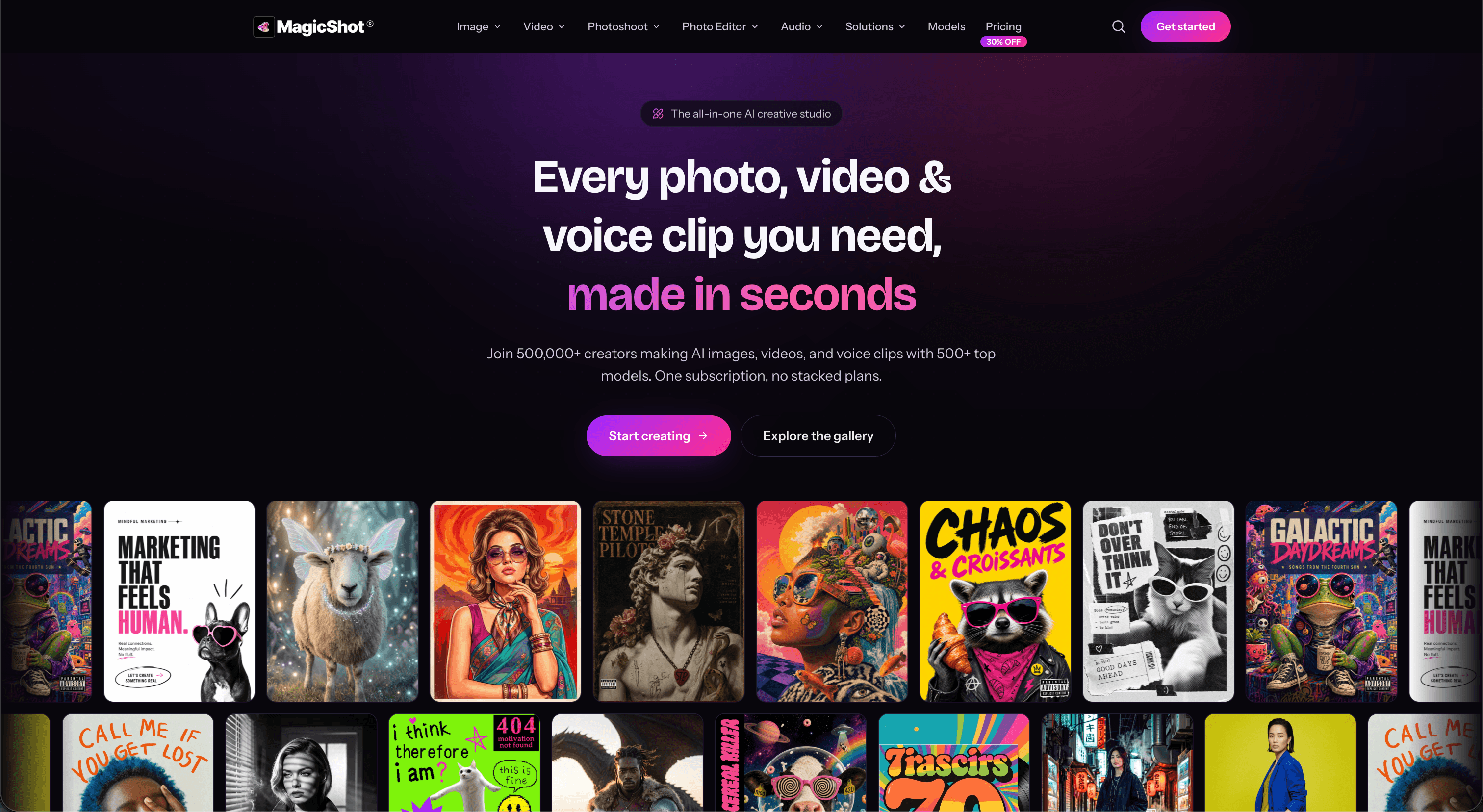
Ask a small business owner or a content creator which AI tools they pay for and you'll usually get a list, not a name. An image generator. A video generator. A headshot app they used once for LinkedIn. A background remover. Something for voiceovers. Maybe an upscaler. Each one felt cheap on its own. Together they are a second rent payment, and that's before counting the time spent moving files between them.
This article puts numbers on the stacked approach, explains why the workflow breaks even when the tools are individually good, and lays out what an all-in-one AI studio does differently.
What the stack actually costs
Take a realistic setup for someone producing marketing content a few times a week:
| Need | Typical standalone tool | Typical monthly cost |
|---|---|---|
| Image generation | Midjourney, Ideogram or similar | $10 to $30 |
| Video generation | Runway, Pika, Kling or similar | $12 to $35 |
| Photo editing and background removal | Photoroom, Canva Pro or similar | $10 to $15 |
| Headshots or photoshoots | One-off packs | $20 to $40 per pack |
| Voice and audio | ElevenLabs or similar | $5 to $22 |
| Upscaling | Magnific, Topaz or similar | $10 to $40 |
Prices move around, so treat these as ranges, not quotes. The point is the sum: a modest stack lands between $60 and $150 a month, with one-off packs on top. Most people underestimate it because the charges hit on different days from different companies.
There's a second cost that never shows up on a statement. Every tool has its own credit system, its own prompt quirks, its own export limits and its own idea of what "HD" means. Learning five of them is real work that produces nothing.
Why the outputs don't match
Individually, each tool in the stack might be the best at its job. The problem is what happens between them.
Generate a product image in one tool, animate it in another, and the second model has no idea what the first one intended. Colours shift. Edges soften. The lighting on frame one doesn't match the lighting the video model invents for frame two. You end up spending credits on re-generation just to get two tools to agree with each other.
The same thing happens with faces. A headshot app trained on one identity model and a video tool trained on another will not produce the same person. For anyone building a brand around their own face, that inconsistency is disqualifying.
Why "just use the free tiers" stops working
Free tiers exist to get you to the paid tier. They watermark, cap resolution, queue you behind paying users, or hand out a few credits a day. That's fine for testing. It falls apart the first time you need twelve product shots and a video by Thursday. At that point you're either paying, or you're spreading the job across four free tiers and reassembling the result by hand.
What one subscription changes
An all-in-one AI creative studio bundles image generation, video generation, photo editing, AI photoshoots and audio behind a single plan and a single credit balance. The practical differences:
One bill, one balance. Credits spent on an image and credits spent on a video come from the same pool. You stop rationing across tools and start spending on whatever the job needs.
The models are already there. Instead of subscribing to a company to get access to their one model, you get access to the models themselves. MagicShot runs 500+ models across 85+ tools, so when a new image or video model ships, it shows up in the same place you already work rather than as another subscription decision.
Outputs stay in the pipeline. Generate a product image, send it straight to the product video tool, upscale the result, and the file never leaves the workspace. Consistency improves because the tools are built to hand off to each other.
One learning curve. Same upload flow, same credit logic, same export options across every tool. You learn it once.
What one subscription doesn't fix
Honest caveats, because the all-in-one pitch gets oversold:
- No platform is the single best option at every task. A studio that gives you Seedance, Veo, Kling and Wan side by side lets you pick per job, but a specialist tool with a proprietary model may still win a specific niche.
- Bundled doesn't mean unlimited. Video generation is expensive to run everywhere, and a 4K upscale costs more credits than a 1K image. Read the credit table before assuming a plan covers heavy video use.
- If you only ever need one thing, one specialist tool