Call Automation Software: 10 Top Picks Compared for 2026
Compare 10 call automation software platforms by features, integrations, pricing and fit — from AI voice agents to full business phone systems.
Call Automation Software: 10 Top Picks Compared for 2026
Most advice about choosing call automation software starts with the wrong comparison. A developer stack like Twilio Studio and a business phone system like Dialpad aren't interchangeable, even when both can route calls. Buying either without deciding who'll configure it, maintain it, and handle exceptions is how teams end up with an impressive demo and an unreliable customer experience.
Not all call automation is built for the same buyer. The useful distinction is between software you build with, services that answer for you, and phone systems your employees use.
- Build-your-own developer stacks: Twilio Studio, Bland AI, Retell AI, and Vapi suit teams that need custom workflows and can own integrations.
- AI-first answering services: Recepta.ai, Smith.ai, and Allo fit businesses that want reception, intake, scheduling, and transfers without assembling the voice stack.
- Full business phone systems: Aircall, Dialpad, CloudTalk, and JustCall combine employee calling with routing, documentation, and sales or support automation.
Team size matters, but technical ownership matters more. A solo technical founder might prefer an API-led platform, while a larger services business might need managed answering because nobody has time to maintain conversation logic.
Compare tools within your category first. Then test the awkward parts: a caller interrupting, a calendar connection failing, an ambiguous request, and a transfer nobody answers. Those moments reveal more than a polished greeting.
Table of Contents
- 1. Recepta.ai
- 2. Twilio Studio
- 3. Bland AI
- 4. Retell AI
- 5. Vapi
- 6. Smith.ai
- 7. Allo
- 8. Aircall
- 9. Dialpad
- 10. CloudTalk
- 11. JustCall
- Call Automation Software Compared at a Glance
- How to Choose and What to Do Next
1. Recepta.ai
Category: AI-first answering service. Best for businesses that need reception coverage with human backup.
Recepta.ai combines conversational AI with trained human support for inbound and outbound calls, appointment scheduling, lead capture, and follow-ups. Its call automation software is a better fit for a business buying an answering outcome than a team looking for programmable voice infrastructure.
Say a home-services caller wants an appointment but also describes an unusual access problem. The useful workflow isn't collecting a name and number. It's capturing the service request, checking scheduling information, recording the access details, and escalating when the conversation needs judgment.
Where the Hybrid Approach Matters
Recepta.ai's combination of automated handling and human escalation is its main distinction. Call summaries, automatic logging, analytics, and connections to calendars and business systems can reduce the administrative work after a conversation, provided those connections support your actual workflow.
Before committing, ask for a demonstration of:
- Appointment handling: Booking, rescheduling, cancellations, and unavailable time slots.
- Human escalation: Who answers, what context they receive, and what happens when they're unavailable.
- Record updates: Whether captured information reaches the correct CRM fields rather than sitting in a summary.
The trade-off is control versus convenience. A managed receptionist approach can spare you infrastructure work, but you still need to define business rules, approved answers, escalation boundaries, and ownership of follow-ups.
I'd shortlist Recepta.ai for appointment-driven businesses and lean teams losing opportunities to unanswered calls. For healthcare, legal, finance, or insurance workflows, verify contractual safeguards and data handling rather than treating compliance-ready positioning as blanket approval.
2. Twilio Studio
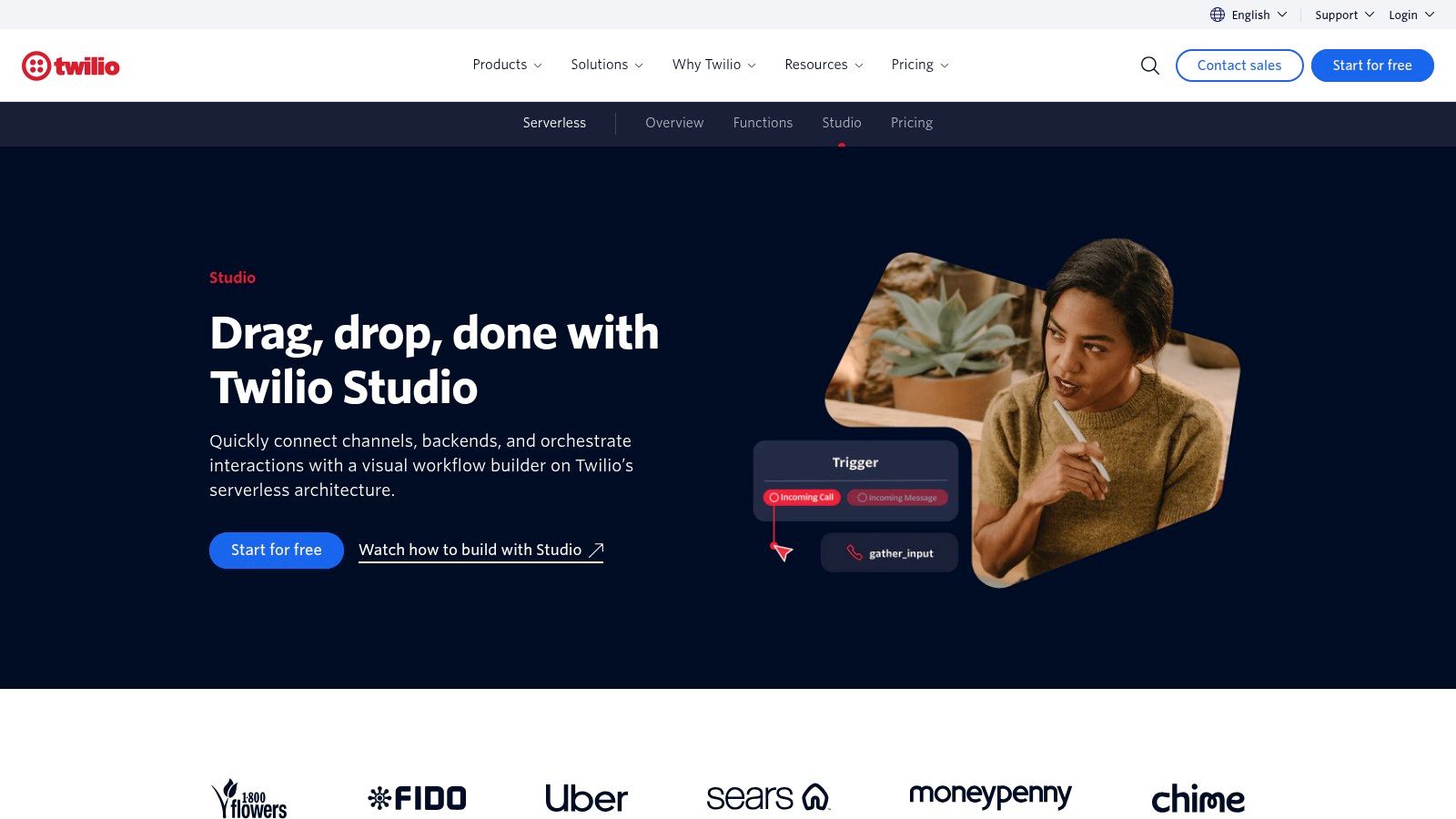
Category: Build-your-own developer stack. Best for custom routing and application-connected workflows.
Choose Twilio Studio when you already know what should happen during a call and need a visual way to implement it. Its drag-and-drop components support phone trees, forwarding, reminders, surveys, and voice or messaging workflows.
That makes it useful for deterministic tasks. A caller selects a department, the flow checks business hours, and an API request retrieves the appropriate destination from your application.
The advantage is explicit control over call logic. You can build visually and extend the workflow with code, rather than forcing your process into a receptionist service's configuration options.
A visual builder removes some coding. It doesn't remove responsibility for failure handling.
What You Still Own
Your team must configure routing, maintain integrations, and decide what happens when an external service times out. A successful API response also needs validation: retrieving an empty destination shouldn't leave a caller stranded.
Budget for underlying telephony and connected services, not just workflow construction. Usage-based billing can suit variable demand, but the final bill depends on the services each call invokes.
Twilio Studio isn't a turnkey employee phone system or a managed AI receptionist. I'd use it for custom routing, reminders, and product-embedded calling when someone can own the workflow after launch.
3. Bland AI
Category: Build-your-own developer stack. Best for programmable inbound and outbound conversations.
Bland AI is closer to a configurable phone-agent platform than an outsourced receptionist. Knowledge bases, call pathways, APIs, and integration options give teams ways to shape conversations around their own processes.
Consider an outbound qualification workflow. The agent needs to establish why it's calling, ask relevant questions, record structured answers, and stop or transfer when the recipient declines or asks for a person.
The difficult work is defining those boundaries, not writing a friendly opening prompt. Qualification criteria, permitted claims, retry behavior, and escalation rules need deliberate configuration.
- Strong fit: Teams building repeatable phone workflows with engineering or automation support.
- Useful flexibility: Connecting agent behavior to existing applications and telephony arrangements.
- Main burden: Maintaining pathways and reviewing conversations when callers depart from the expected script.
Published usage pricing can help with estimates, but carrier charges and plan-specific controls still need checking. If you bring existing telephony, confirm which provider owns number provisioning, call failures, and troubleshooting.
Bland AI is worth considering when call logic and deployment flexibility matter more than getting a ready-made reception service. It's less attractive when nobody on the team can review transcripts, investigate integration failures, or maintain the agent as business policies change.
4. Retell AI
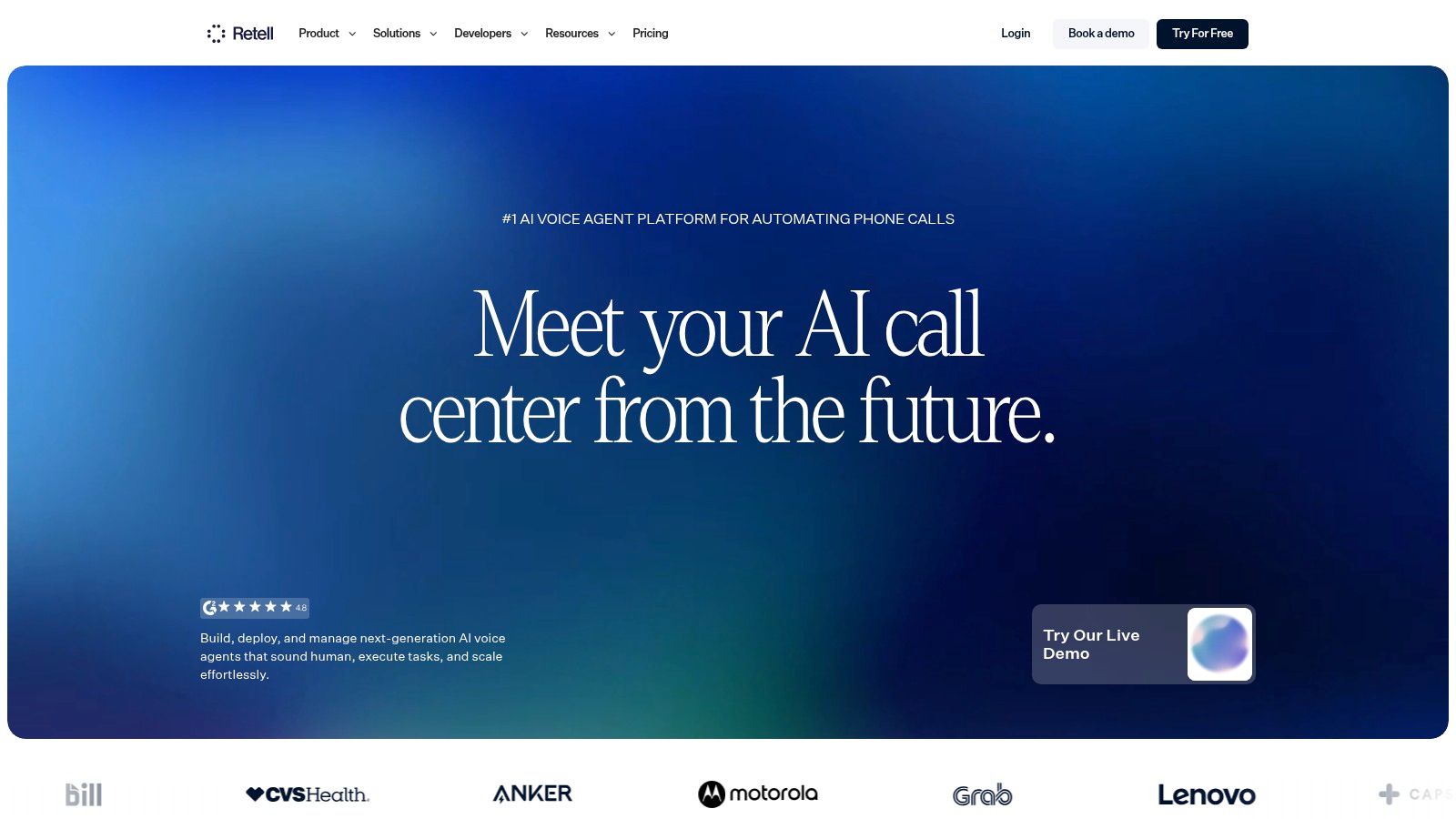
Category: Build-your-own developer stack. Best for teams that want structured voice-agent testing and iteration.
A convincing voice isn't enough. Retell AI combines voice-agent creation with templates, simulation testing, transcripts, analytics, webhooks, and APIs, making it relevant when you expect to refine workflows rather than deploy and forget them.
Pay-as-you-go access can help a team prototype before making a broader commitment. However, model, voice, telephony, and optional capabilities can complicate comparisons between configurations.
Test the Action, Not Just the Answer
For an appointment agent, inspect whether the calendar event exists, contains the right details, and matches what the caller heard. A fluent confirmation is a failure if the booking request didn't succeed.
Include interrupted speech, corrected names, unavailable appointments, and callers changing their minds in your test set. Use transcripts alongside application logs to distinguish conversation errors from integration errors.
Retell AI fits builders who want voice infrastructure without constructing every component themselves. You'll still own business logic, permissions, tool behavior, and escalation design.
If you're also evaluating agents beyond phone calls, the best AI agents for business comparison can help separate voice requirements from broader workflow automation needs. Don't choose a voice platform for a task that would work better as an asynchronous form or background process.
5. Vapi
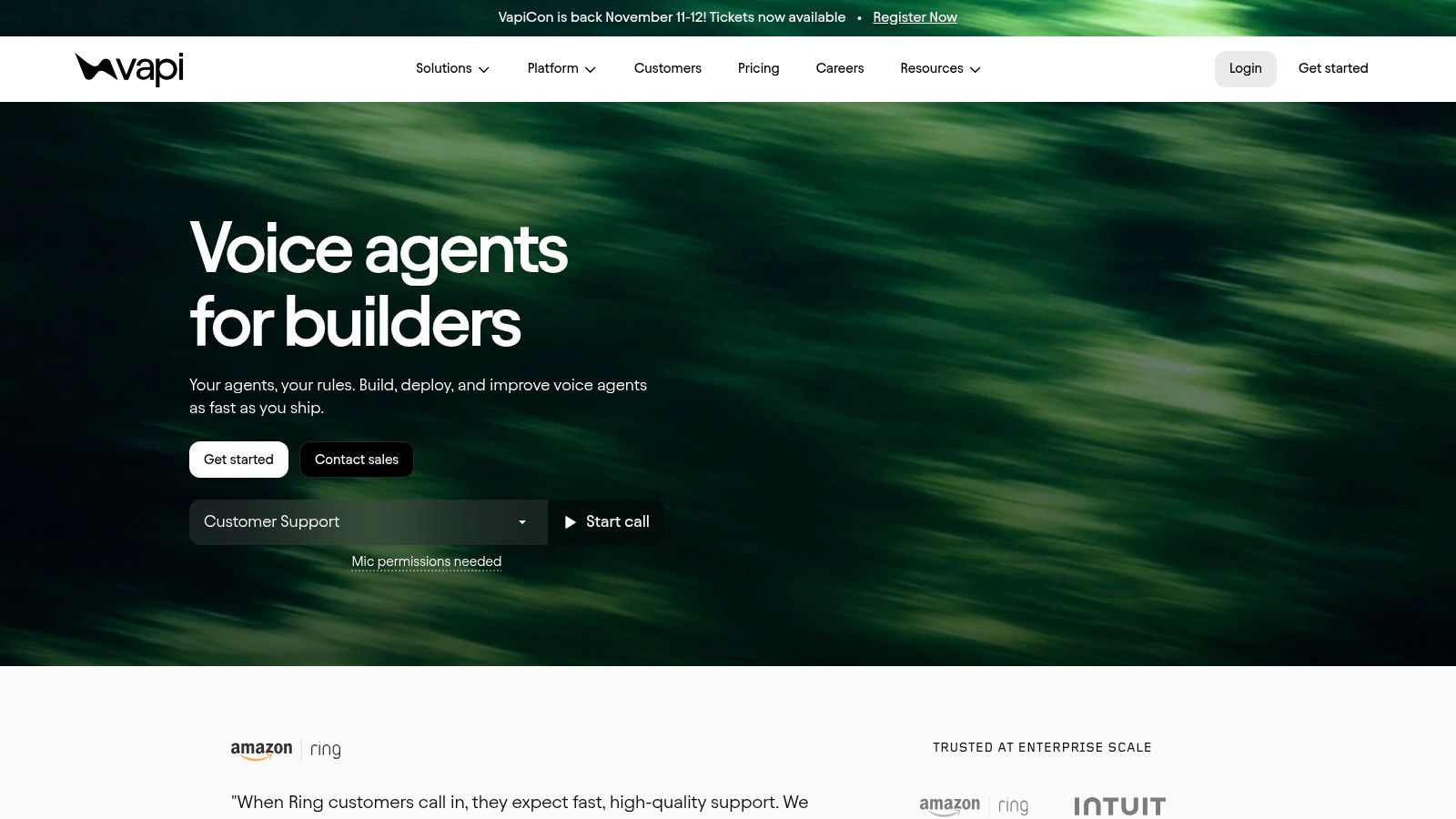
Category: Build-your-own developer stack. Best for developers who want provider choice.
Vapi gives builders orchestration tools for custom voice agents while allowing choices across transcription, language models, voices, and telephony. That flexibility matters when calling is part of your product rather than a way to answer the office phone.
You can choose components around your requirements instead of accepting a single bundled configuration. The cost is a wider testing and support surface.
- Provider flexibility: Useful when a particular voice, model, or transcription service fits your application.
- Integration control: Appropriate for custom tools, application actions, and product-specific workflows.
- Operational responsibility: Your team must understand which component caused a delayed or incorrect response.
Changing a model can affect tool selection and response length. Changing transcription can affect names, addresses, and intent recognition, so component swaps deserve regression testing.
Practical rule: Keep the voice stack stable while validating the workflow. Change components only when you can measure whether the change helped.
Vapi's platform fee isn't the whole cost. Selected providers and telephony can add separate charges, and your engineering time belongs in the comparison too.
I'd choose Vapi when provider control has a concrete purpose. If your requirement is answering questions and booking appointments, that flexibility may create work without improving the outcome.
6. Smith.ai
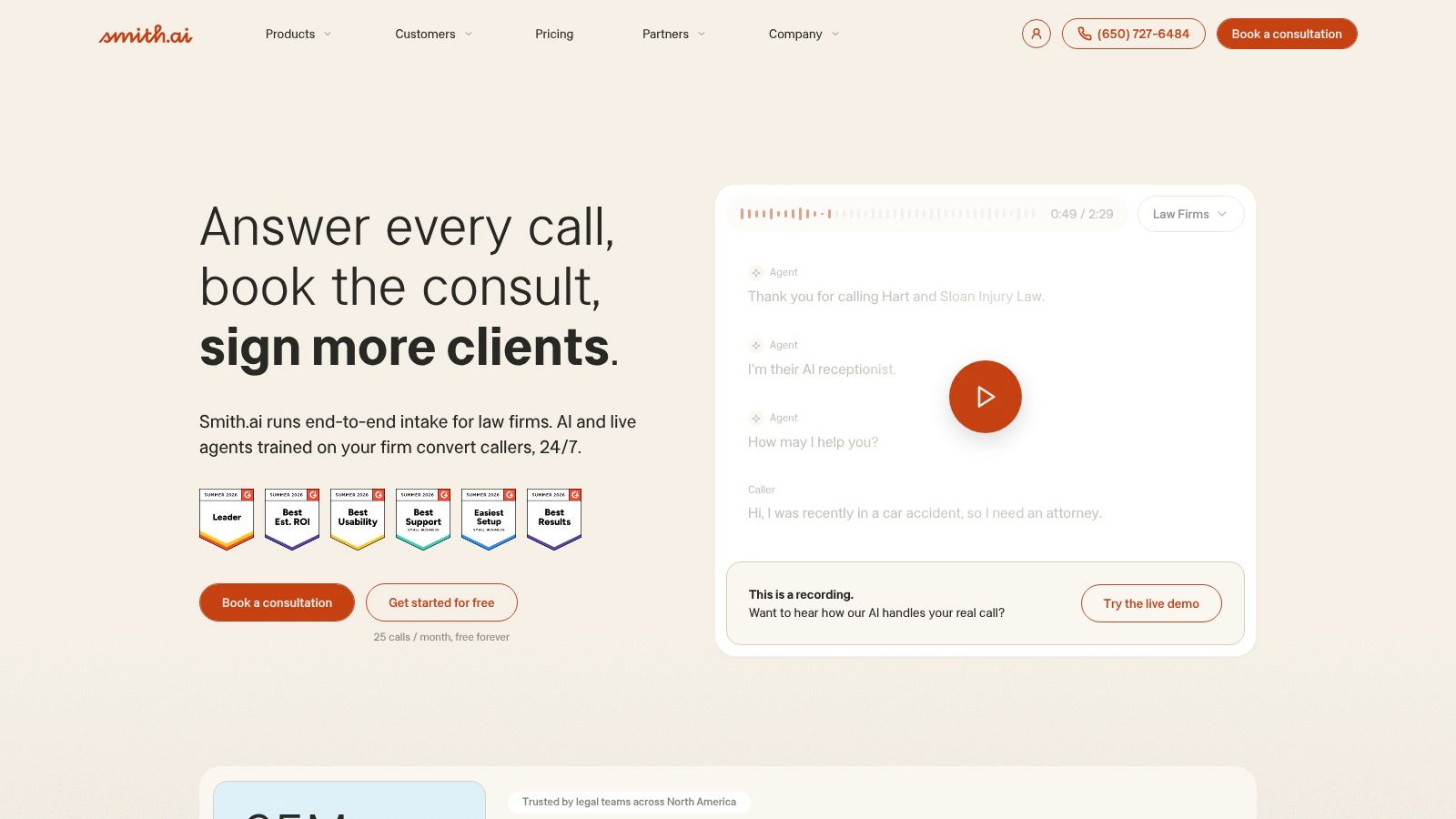
Category: AI-first answering service. Best for intake workflows that need live receptionist escalation.
A prospective customer doesn't always separate a routine question from a sensitive concern. Smith.ai combines AI answering with the option to transfer to live receptionists, alongside lead intake, qualification, routing, and appointment scheduling.
That makes handoff quality a central buying criterion. Ask whether the receptionist receives the caller's details, reason for calling, and information already collected before joining the conversation.
The broader case for preserving human access is substantial: a Gartner survey of U.S. customers, reported by Acefone, found that 54% trusted human agents more than AI for recommendations, compared with 32% who trusted AI more.
Buy the Escalation Process
Test a caller who requests a person immediately, not just someone who completes the automated intake. Also test a caller who becomes frustrated halfway through.
Recordings, transcripts, summaries, and analytics help you review those interactions. They don't replace clear instructions about what the service may promise or which questions require a person.
Call-based pricing deserves attention when your traffic includes spam, brief inquiries, or repeat callers. Confirm how billable calls and human escalation are defined.
Smith.ai suits businesses buying managed answering rather than a programmable platform. Teams exploring other answering options can also inspect the Answerline.dev directory listing, then compare the actual escalation arrangements rather than treating all receptionist products as equivalent.
7. Allo
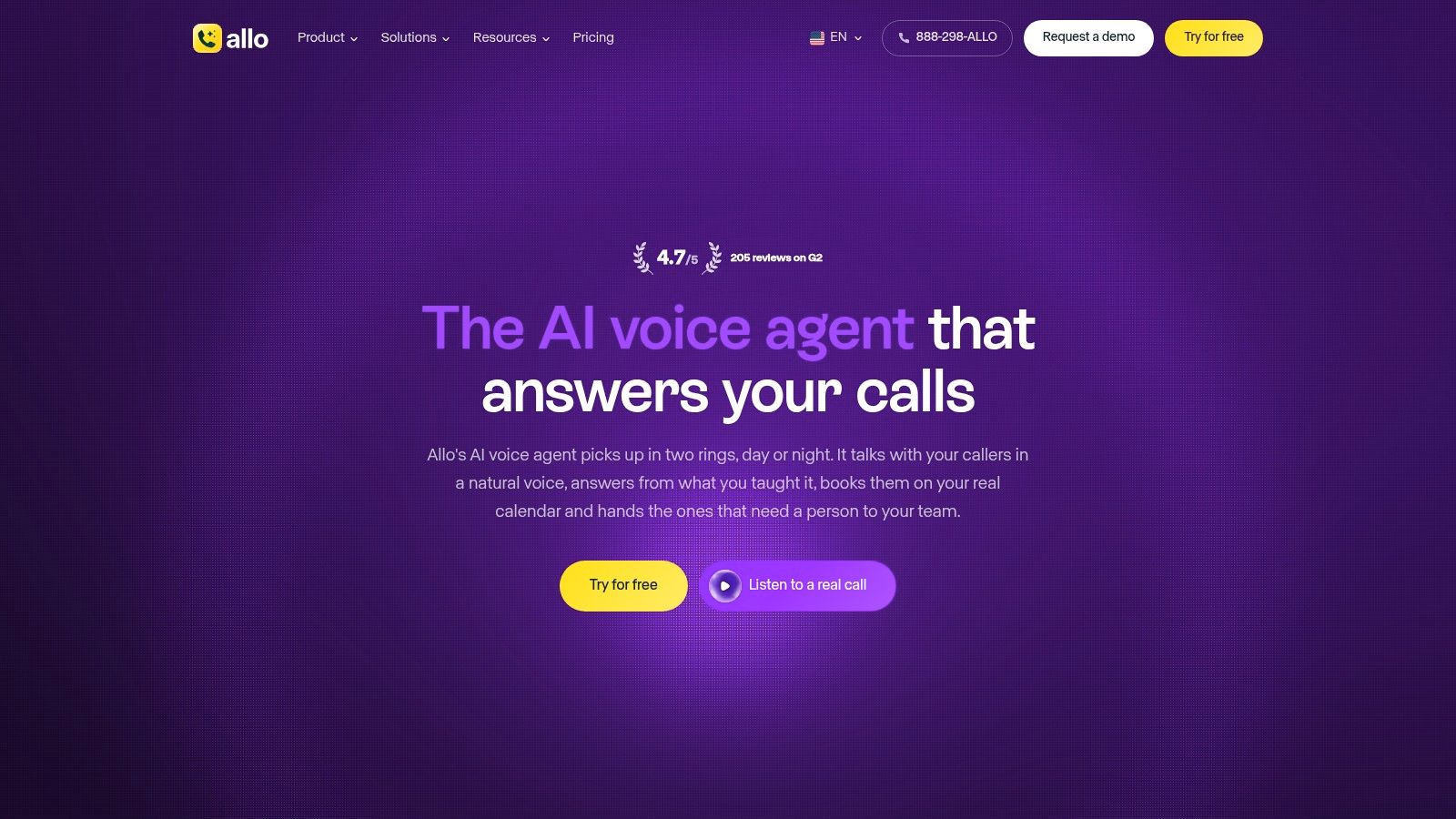
Category: AI-first answering service. Best for small businesses seeking no-code setup.
Allo lets businesses configure an AI voice agent using information from a website or uploaded documents. It can answer common questions, connect to calendars for booking, transfer callers, and produce recordings, transcripts, and summaries.
For a founder without development capacity, that's a more appropriate starting point than assembling APIs. The main preparation work is cleaning up business information, not selecting a language model.
A website might contain an outdated opening time, an expired offer, and a service description that omits exclusions. Feeding those pages into an agent doesn't resolve the contradictions.
- Prepare approved information: Service areas, current hours, booking policies, pricing boundaries, and transfer destinations.
- Verify calendar behavior: Availability, time zones, rescheduling, and what callers hear when booking fails.
- Check integration depth: Confirm whether CRM sync updates useful fields or merely attaches a transcript.
Forwarding or porting an existing number can reduce disruption, but test the complete incoming route before changing public contact details. Include unanswered transfers and after-hours handling.
Allo is a sensible shortlist option for straightforward reception needs. For complex integrations, multiple specialized agents, or unusual routing requirements, request a demonstration using your own scenario before assuming the no-code interface can express it.
8. Aircall
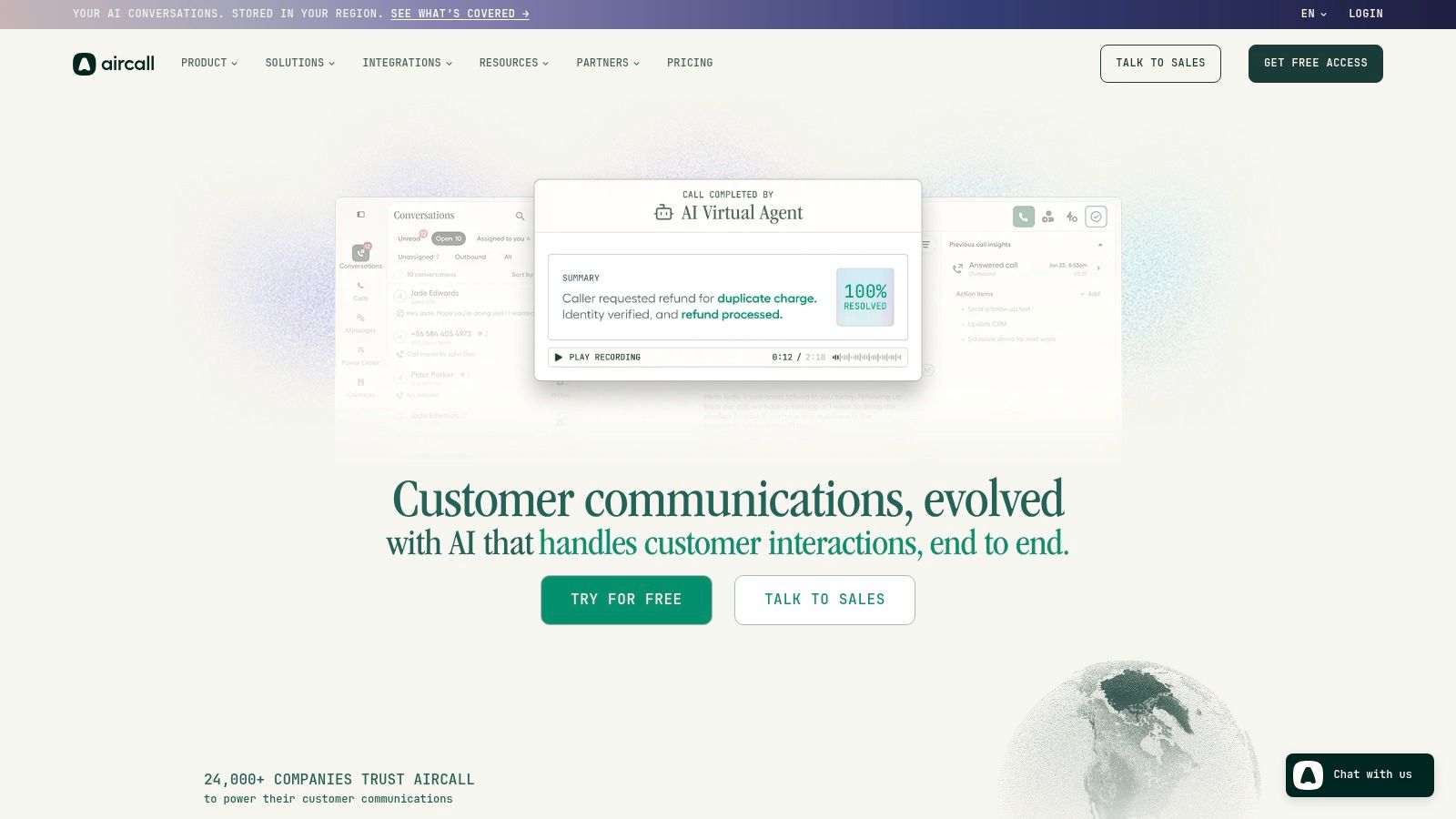
Category: Full business phone system. Best for sales and support teams that need shared calling workflows.
Aircall belongs on the shortlist when employees need to make and receive calls, not just delegate conversations to an AI agent. Routing, shared call handling, CRM integrations, analytics, dialing tools, and AI capabilities support a broader team workflow.
Its value depends heavily on how calling connects to customer records. Logging a call is useful; associating it with the correct contact, owner, and follow-up activity is more useful.
Where the Phone System Earns Its Place
Say a support caller returns after speaking to sales. Your team needs accessible history, sensible routing, and clear ownership, not another isolated transcript.
Test the CRM connection using duplicate contacts, unknown numbers, reassigned accounts, and failed record updates. Confirm that employees can find the relevant call without searching several systems.
Aircall's broader functionality also introduces purchasing complexity. License minimums, higher-tier dialing features, AI-agent usage, and optional capabilities should be confirmed together rather than evaluated as separate attractive add-ons.
It's a stronger fit for coordinated sales and support teams than for a solo founder who only needs occasional answering. If employees won't use the shared phone workflow, paying for a complete system may be harder to justify than adding a receptionist service to existing telephony.
9. Dialpad
Category: Full business phone system. Best for teams consolidating everyday communications.
If employees mostly need calling, messaging, meetings, routing, and call documentation, Dialpad is a more natural comparison than a developer voice platform. Live transcription and summaries can support routine communication without requiring your team to build an agent.
Documentation automation isn't the same as conversation automation. A system can transcribe a human-led call and summarize it without independently resolving the caller's request.
That distinction helps prevent overbuying. Decide whether your bottleneck is unanswered calls, poor routing, missing notes, or outbound activity before comparing feature lists.
- Everyday fit: Teams that want employees working in a shared communications application.
- Useful automation: Routing and call documentation that reduce repetitive administrative steps.
- Boundary to verify: Contact-center capabilities, sales automation, reporting, and multi-office controls may depend on the product or plan.
The Dialphone.com directory listing is another discovery option when researching calling tools, but compare each product's shipped workflows directly.
Before selecting Dialpad, ask a representative to reproduce your escalation and routing requirements inside the exact offering you're considering. A demonstration from a separate contact-center product doesn't establish what your proposed phone-system subscription includes.
I'd favor this category when the team needs a better shared phone environment first and autonomous answering second.
10. CloudTalk
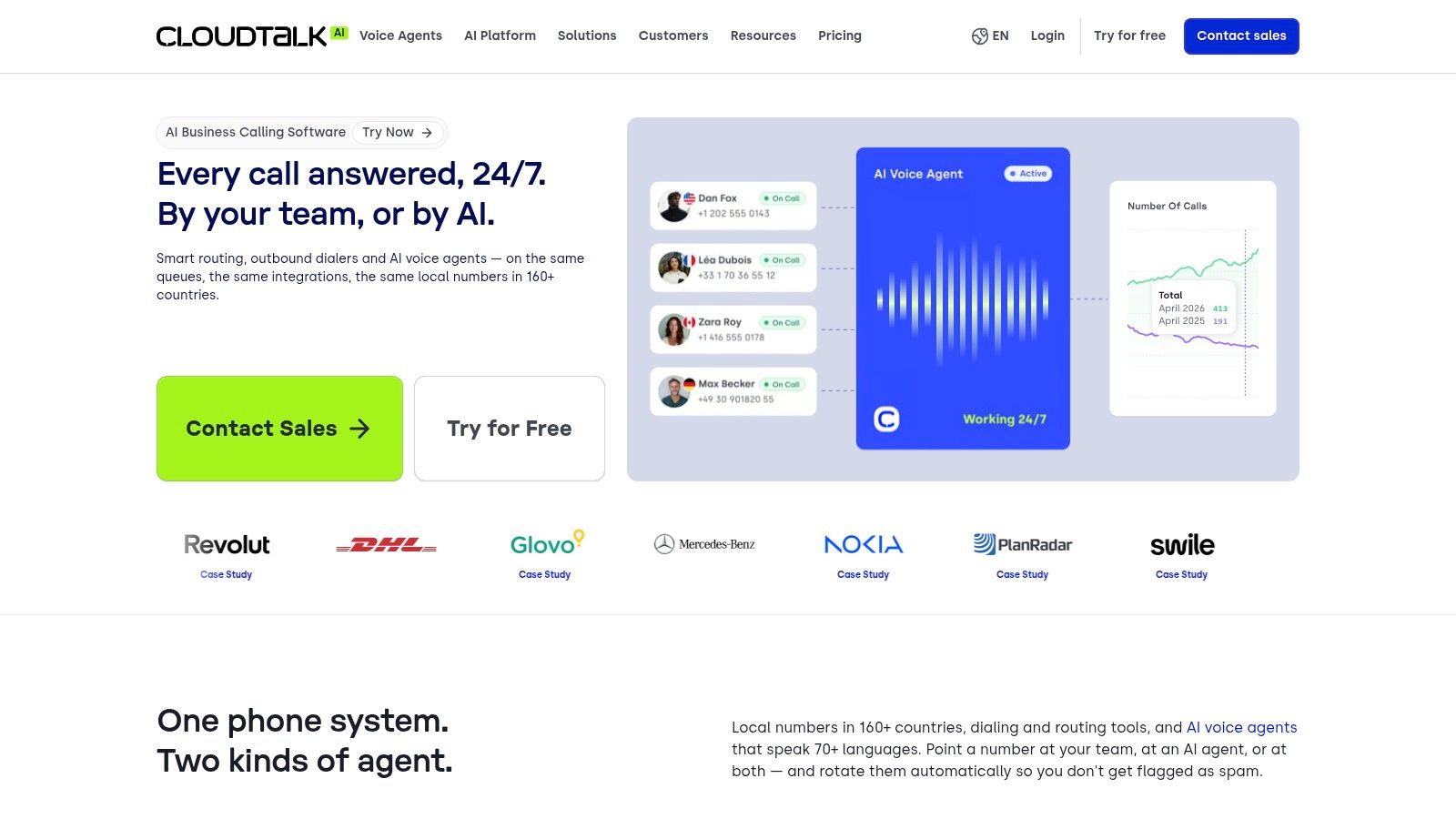
Category: Full business phone system. Best for outbound teams comparing dialing strategies.
CloudTalk is particularly relevant when automation means reducing manual dialing and connecting representatives to conversations. Its options include sequential power dialing and parallel dialing, alongside voicemail handling, routing, analytics, and CRM-linked workflows.
These modes solve different problems. Sequential dialing supports a more controlled calling rhythm, while parallel dialing requires closer attention to representative availability and what happens when calls connect.
Optimize for Conversations, Not Attempts
An outbound team should evaluate connected conversations, useful dispositions, and completed follow-ups. A busier dialer doesn't automatically create a better sales process.
Don't increase dialing speed until representatives can reliably handle the conversations and follow-up work they already receive.
Test voicemail detection and disposition syncing with representative call samples. Incorrect classification can waste opportunities, while missing CRM updates can cause unwanted repeat outreach.
CloudTalk's dialer options also require careful budgeting. Depending on the configuration, dialing features may be add-ons, and numbers, international calling, and usage can affect the total bill.
Choose it when outbound calling is an established workflow with clear ownership and documented outreach rules. It's a less direct fit for a founder primarily seeking an AI receptionist. Before launching campaigns, have the responsible team confirm applicable consent, outreach, and recording requirements for each destination market.
11. JustCall
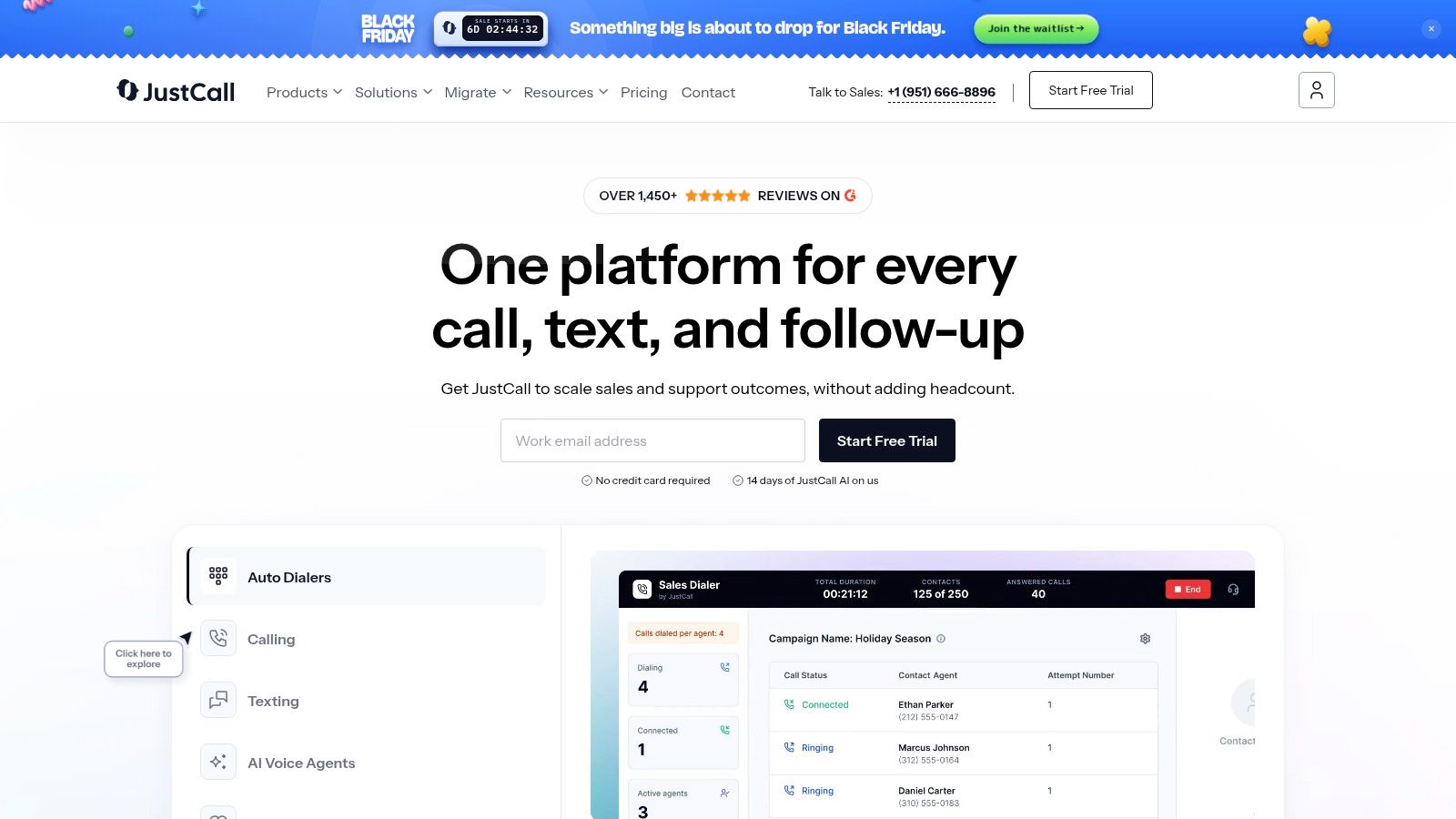
Category: Full business phone system. Best for teams combining calling, messaging, and sales follow-up.
A sales representative finishes a call, sends a message, updates the CRM, and schedules the next action. JustCall targets that connected workflow through business calling, SMS, integrations, AI transcription, summaries, and sales-oriented tools.
The buying complication is its separate communication and sales plan families. Don't assume a feature shown elsewhere on the website belongs to the subscription you're pricing.
Build the evaluation around the work your representatives perform:
- Calling and messaging: Confirm destination coverage, allowances, and applicable usage charges.
- Call documentation: Check transcript access, summary quality, and CRM field mapping.
- Sales execution: Identify which selected plan includes the dialer behavior and automation you need.
- Autonomous answering: Establish whether AI voice-agent capabilities require separate pricing or configuration.
For a SaaS sales team, the practical test is whether a call produces a usable customer record and a clear next step. A summary that stays inside the calling application may still leave representatives copying information manually.
JustCall makes sense when calling and messaging belong in the same operational workflow. If your primary need is unattended inbound answering, compare that specific capability against an AI-first receptionist instead of buying the broader platform by default.
Call Automation Software Compared at a Glance
Read this as a filter by operating model, not a ranking. Developer stacks reward teams that can own integrations, AI-first answering services offload reception work, and business phone systems fit employees making calls every day.
| Platform | Best For | Setup Approach | Pricing Model | Key Limitation |
|---|---|---|---|---|
| Recepta.ai | AI-first answering for businesses needing 24/7 call handling with human backup | Quick setup with integrations for CRMs, calendars, and other tools | Service plan tied to the answering workload; confirm included call volume | Needs clear escalation rules and business policies before launch |
| Twilio Studio | Developer stack for teams building custom calling workflows or embedding calls in apps | Configure visual workflows; extend with code and Twilio services | Pay-as-you-go telephony; service charges are separate | Requires configuring call flows; no turnkey phone system |
| Bland AI | Developer stack for programmable inbound or outbound AI phone agents | Build and test agents using self-serve tools or enterprise support | Usage-based; carrier charges may be extra | Total cost depends on usage and telephony |
| Retell AI | Developer stack for prototyping and refining voice agents | Use templates, simulation testing, APIs, and analytics | Pay-as-you-go, with add-ons and enterprise options | Costs vary by model, voice, and telephony configuration |
| Vapi | Developer stack for custom voice-agent applications | Use APIs and choose or bring speech, model, and telephony providers | Usage-based; provider and telephony charges are additional | Requires technical setup and provider choices |
| Smith.ai | AI-first answering with live receptionist escalation | Configure call handling, lead intake, and appointment scheduling | Call-based pricing; plans vary | Costs can rise at high call volumes |
| Allo | AI-first answering for small businesses that want no-code setup | Supply business information from a website or document and connect a calendar | Small-business plan pricing; confirm seats and billing term | Complex integrations may require checking plan fit |
| Aircall | Business phone system for sales and support teams combining calling with CRM workflows | Set up routing, integrations, and team calling; add AI features as needed | Per-license plans; AI minutes and add-ons may add cost | Confirm license minimums and add-on pricing before rollout |
| Dialpad | Business phone system for smaller teams seeking calling, messaging, and AI summaries in one app | Configure the phone system, routing, and integrations | Tiered subscriptions; price the tier containing needed AI and routing features | Advanced contact-center needs may require higher tiers or another product |
| CloudTalk | Business phone system for outbound sales teams automating call attempts | Configure power or parallel dialing and CRM-linked workflows | Subscription with possible dialer add-ons and usage charges | Dialers, international calls, and usage can increase costs |
| JustCall | Business phone system for teams combining calling, SMS, and sales tools | Select a communication or sales plan and connect CRM integrations | Seat-based plans with possible usage charges | Allowances vary by region and plan; AI Voice Agent pricing may require a quote |
The pattern is consistent: control rises as configuration burden rises, while packaged systems can hide the cost inside add-ons, usage, and plan fit.
How to Choose and What to Do Next
Choose the operating model before the vendor. Developer stacks suit teams with someone accountable for integration code, testing, monitoring, and failures. AI-first answering services suit businesses that need reception outcomes without maintaining voice infrastructure, while full phone systems suit employees coordinating sales and support calls.
Match capacity to your actual traffic pattern, not just total call volume. Confirm concurrency limits, overflow behavior, queues, and what happens when both automation and human destinations are unavailable.
Verify the Full Cost and Workflow
Ask each shortlisted vendor to price the same scenario. Include platform fees, seats, telephony, carrier charges, phone numbers, model or voice costs, human escalation, recording storage, and add-ons where applicable.
Integration work can be material: Gartner estimates reported by Plivo put conversational-AI integration costs at roughly $1,000–$1,500 per agent, although that benchmark isn't a quote for a small-business receptionist deployment.
Run a pilot using real call flows and appropriately protected customer information. Test interrupted speech, corrections, failed authentication, unavailable appointments, CRM outages, and requests for a human. Check the resulting records, not just the audio.
- Measure resolution: Track completed tasks, repeat calls, transfers, and customer satisfaction alongside containment.
- Inspect handoffs: Verify that people receive context and callers aren't forced to repeat everything.
- Test integration depth: Require correct field updates, duplicate handling, error logs, and recoverable failures.
- Assign ownership: Name the person who approves knowledge changes and reviews failed interactions.
Global deployment needs separate scrutiny. An AVOXI survey of international contact-center decision-makers found organizations served customers in an average of 37 countries but had deployed AI voice in only about 17, illustrating why geographic reach shouldn't be assumed from a language list.
Confirm regional telephony availability, language and accent performance, recording disclosures, retention settings, data residency, and escalation procedures. Have qualified advisers review jurisdiction-specific requirements rather than relying on a general compliance badge.
For founders building a call automation product, deployment is also the start of distribution. A directory profile on PublishYourSaaS can make the live product easier for founders and teams to discover through a permanent, search-oriented listing.
Shortlist tools from your category and request the same workflow demonstration from each. Choose the platform that completes the task, preserves context during failure, and produces a bill you can explain. If you're launching your own tool, publish its listing once the workflow is ready for customers, with screenshots and a precise description of who it serves.